
WhatsApp Messages to Send With a Nikah or Walima Invitation Video
Personalise the message you send with a Nikah or Walima invitation video, with seven examples for couples, parents, siblings and different guest lists.
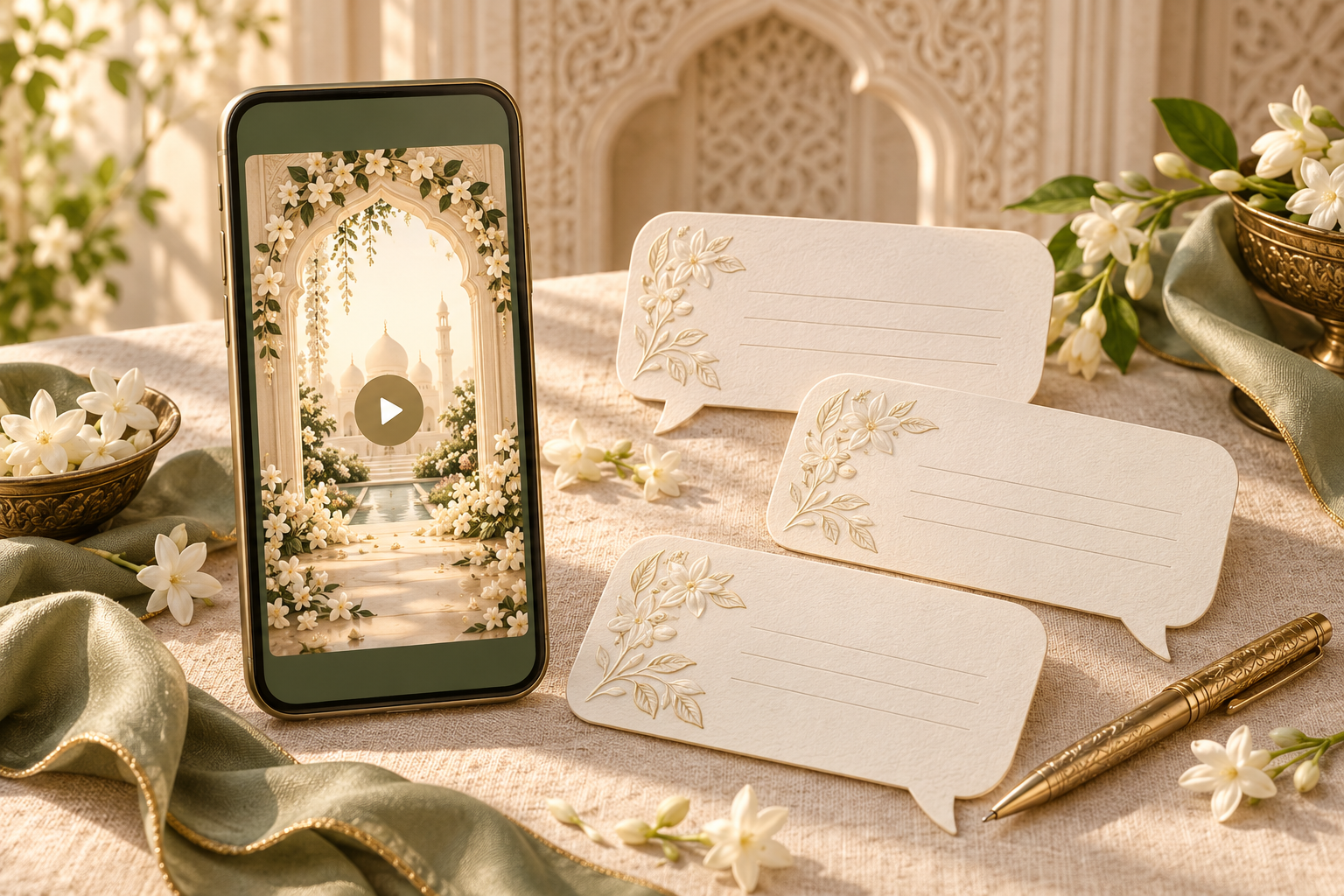
Send a personal invitation, not an unexplained attachment
A WhatsApp message sent with a Nikah or Walima invitation video should identify the sender, name the people invited, state the celebration and give one clear way to reply. The film can carry the visual atmosphere and fuller event details, while the accompanying words make the invitation personal and easy to understand before anyone presses play.
A useful structure is: greeting, who is inviting, which event the recipient is invited to, a short reference to the attached video, and the response instruction. You do not need a long poem or a second complete invitation in the chat.
This guide focuses on matching the message to the sender and recipient. For checking the film itself, use the separate sound-off invitation video checklist. A readable video and a thoughtful covering message solve different parts of the guest experience.
Decide who is speaking and who is invited
Before choosing a template, settle two details that generic wedding messages often leave unclear.
First, who is sending it? A message from the couple can say “our Nikah.” A parent usually needs “the Nikah of our daughter” or “our son,” with approved names. A sibling sharing on behalf of the family should identify that relationship rather than writing as though they are one of the couple.
Second, who does the invitation include? “You are invited” may be clear in an individual chat, but “you and your family” can mean different things to different households. Where the guest list is specific, use the names or household wording the hosts have agreed. Do not add a plus-one or children simply to make a template sound warmer.
For each version, confirm:
- The sender's name and relationship to the couple.
- The invited person or household.
- Nikah, Walima or both, as applicable.
- The correct attached video for those guests.
- The date and city, with any arrival time you want repeated in text.
- One reply contact or RSVP link, and a deadline if one has been set.
These details should come from the approved guest list and invitation, not from a relative's memory or an older draft.
Seven messages to send with your invitation video
The following examples are original templates, not real client messages. Replace every bracketed field, choose the greeting your family prefers and remove any sentence that does not match your arrangements. An RSVP deadline or contact should appear only if it has been agreed.
1. A Nikah invitation sent by the couple
“Assalamu alaikum [guest name]. We would love you to join us for our Nikah on [written date] in [city]. Our invitation video is attached with the event details. Please let [reply contact] know by [reply date] whether you can attend. We look forward to sharing this day with you. With warm wishes, [couple's names].”
If this is a new chat or an unfamiliar number, introduce yourself at the start rather than relying on the profile photo. “This is [name]” can make the attachment easier to place.
2. A formal invitation sent by parents
“Assalamu alaikum [guest name]. We are delighted to invite [invited names] to the Nikah of [couple's names] on [date] at [venue, city]. Please find the invitation video attached. We would be grateful for your reply to [contact] by [reply date]. We hope you will join our families for this special occasion. Warm regards, [hosts' names].”
Use the family relationships and host names only as the hosts approve them. There is no need to force a long list of relatives into the message if the video already carries the agreed family wording.
3. A Walima-only invitation
“Dear [guest name], we warmly invite [invited names] to celebrate the Walima of [couple's names] on [date] in [city]. The attached video contains the venue and arrival details. Please reply to [contact] by [reply date]. It would be a pleasure to celebrate with you. [Sender's name].”
The attachment must also be appropriate for a Walima-only guest. A caption saying “Walima” does not remove Nikah information or an apparent Nikah invitation from a combined film. If the guest lists differ, review the guide to one invitation video or separate Nikah and Walima videos before distributing the files.
4. One household invited to both celebrations
“Dear [invited names], we would love you to join us for both celebrations: our Nikah on [Nikah date] and Walima on [Walima date]. The attached invitation video has the details for each event. Please let [contact] know by [reply date] which celebrations you can attend. With warm wishes, [couple's names].”
Keep the two dates clearly labelled. If you ask for a household reply, make sure the recipient knows which people the invitation covers. A reply for one event should not automatically be recorded as attendance at both.
5. A sibling sharing on behalf of the family
“Hello [guest name], this is [sender], [bride/groom's name]'s [relationship]. Our family would be delighted to welcome [invited names] to [event] on [date] in [city]. I am sharing the approved invitation video below. Please send your attendance reply to [designated contact] by [reply date]. We hope to see you there.”
This makes the sender's role clear without creating another RSVP inbox. If the sibling is collecting replies, name them as the contact instead. The wording should follow the actual family arrangement.
6. A short, friendly message for a close friend
“Hi [name], we'd love you to celebrate our [Nikah/Walima] with us on [date]. Here's our invitation video with the details. Please let [contact] know by [reply date] if you can make it. We're looking forward to seeing you! [Names].”
A close relationship can justify a relaxed tone, but it does not remove the need to state the event or response route. Add a personal line if it is true and natural to you, rather than copying a sentimental claim into every chat.
7. A video accompanied by a wedding website link
“Assalamu alaikum [guest name]. We warmly invite [invited names] to [event] on [date]. Our invitation video is attached, and you can find the confirmed details and RSVP here: [wedding website link]. Please reply through the website by [reply date]. We look forward to celebrating with you. [Sender's name].”
Use this only when that website and RSVP route are ready and intended for the recipient. If you are collecting replies by message instead, change the last instruction. Giving guests three competing ways to respond can make the family's records harder to reconcile.
What belongs in the message rather than only in the video?
Someone may read the chat while travelling, with limited time or without opening a video. Give them enough context to recognise the invitation and find it again later.
At minimum, repeat the couple or host identity, event name and date. Add the city or venue where useful. If you include a time, label what it means: guest arrival, Nikah ceremony or Walima reception. Do not turn a ceremony time into an arrival instruction simply to shorten the message.
You can keep detailed directions and the full family introduction in the approved invitation or website. The aim is not to reproduce every frame in text. It is to avoid a message such as “Please join us, details attached” that gives the recipient no clue about whose invitation it is or what response is needed.
A greeting and one or two short paragraphs often work well. There is no universal ideal character count. Read the actual message on a phone and remove repetition before cutting useful details.
Use the same approved facts across message, film and website
Prepare the covering text from the final invitation, not while the video is still being revised. The event name, date, venue and reply instruction should agree wherever they appear.
When reviewing Noor video invitations, check the personalised preview and confirm the final file you intend to share. Keep your message alongside that file during family approval. Do not assume that a reply contact written in the chat has also been added to the film, or that a separate wedding website is included with a video service.
A small handover note can prevent avoidable mistakes:
- File: the approved version for this recipient group.
- Message: the approved sender-specific wording.
- Guests: the names or household the invitation covers.
- Reply route: the person or website collecting responses.
- Sender: the family member responsible for this part of the list.
If parents are sending their own invitations, give them a version in their voice instead of asking them to forward a message written by the couple. They can personalise the greeting without changing the event details.
Share thoughtfully across personal chats and family groups
Choose a distribution method that matches the invitation's audience. An individual message can name the intended guests. A broad family group may contain people with different event invitations, so a general “everyone is invited” message can unintentionally expand the guest list.
Before sharing into a group, confirm that the group audience matches the invitation. If it does not, send the relevant version directly. A request not to forward a video may express your preference, but it cannot guarantee that the file stays within the original chat.
Keep private guest lists, personal circumstances and unapproved contact details out of both the video and message. Share only the reply contact the family has agreed may be used for this purpose. The wedding invitation privacy guide explains the broader risks of invitations travelling through family networks.
For guests who cannot comfortably use the video, offer the essential information as readable text or speak with them directly. Do not make playing the attachment a condition of understanding the invitation.
Test the exact combination before the wider send
Send the intended video and message to one trusted reviewer first. Ask them to read it as a guest who does not know the planning history.
They should be able to answer:
- Who is inviting me?
- Who in my household is included?
- Am I invited to Nikah, Walima or both?
- Which date and location should I plan for?
- Who should receive my reply, and by when?
Then have them open the attachment and any website link. Check that the file is the approved version and that the link goes to the intended page. This is a recipient test, not a guarantee that every phone or connection will behave identically.
Before the wider send, remove all bracketed placeholders, confirm the recipient, and check that the attachment is present. Keep a private record of who sent each invitation so two relatives do not send conflicting versions to the same household.
A delivered or read message should not be treated as an attendance reply. Record the guest's actual response through the agreed route, and follow up courteously where a reply is still needed.
Frequently asked questions
Should we send a message with the invitation video?
A short message gives the attachment context and makes the invitation personal. It also lets guests see the event and reply instruction without needing to play the video immediately.
Can we use the same message for every guest?
You can reuse an approved structure, but check the greeting, invited names, event and sender. A Walima-only guest should not receive wording or a film that appears to invite them to both celebrations.
Should parents forward the couple's message unchanged?
It is clearer to adapt the sender's voice. Parents can write “we invite you to the Nikah of...” and sign with their names, while keeping the approved event details and response contact unchanged.
Do we need to repeat the venue and time?
Repeat enough to make the message useful on its own. The event and date are a sensible starting point; add the venue, city or labelled arrival time where helpful. Any repeated detail must match the video and website.
Can the message include an RSVP website link?
Yes, if the link is ready, accurate and intended for those guests. Say clearly that replies should go there. A video attachment by itself does not collect RSVPs or prove attendance.
Is a group announcement enough?
Only if the group audience matches the invitation and the intended guests receive the information. When event lists differ or a household invitation needs clarification, use a direct message or a personal conversation instead.
Explore Noor’s four wedding website samples.
Open each live sample, compare the experience and ask us which design fits your celebration.
Two more useful reads.
 01
01Your Muslim wedding website checklist
The names, timings, family details, venue information and photographs to gather before making your Muslim wedding website.
Read the guide → 02
02Thoughtful wording for Nikah and Walima invitations
Practical Muslim wedding invitation wording for family introductions, Nikah details, Walima invitations and a warm guest welcome.
Read the guide →