
Nikah and Walima Invitation Videos: One Video or Two?
Choose a combined Nikah and Walima invitation video or matching event-specific films, with original scene plans, a designer brief and final sharing checks.
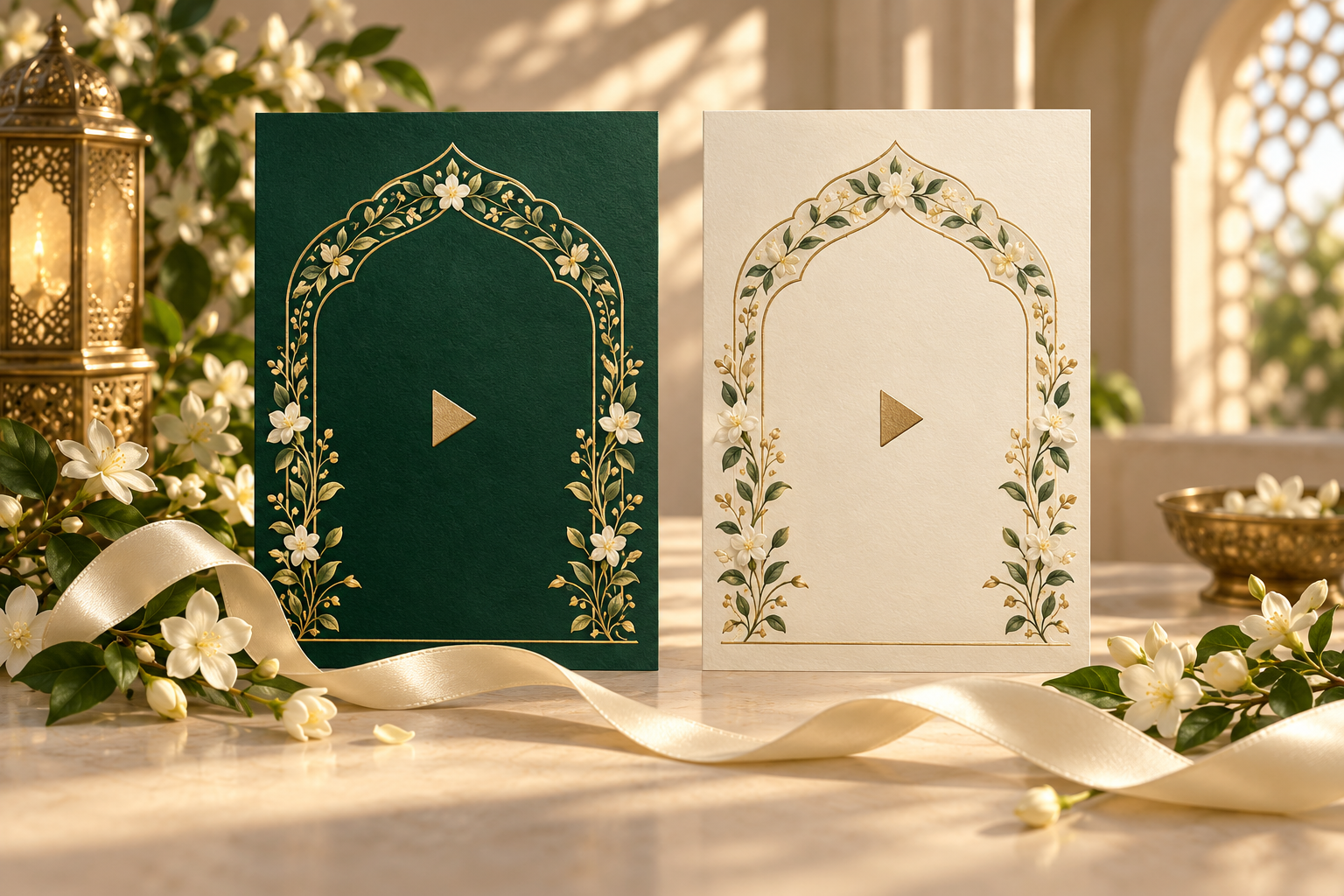
One combined Nikah and Walima invitation video can work well when every recipient is invited to both celebrations. When the guest lists differ, matching event-specific videos are often clearer. You can keep the same visual style while giving each person the invitation that applies to them.
Start with the events and recipients before choosing the number of files. Two celebrations do not automatically need two completely different designs, and one shared design does not mean every guest should receive the same information.
This guide helps you plan the versions, approve the right details and share the finished videos without mixing them up. The wording and scene plans below are original examples to adapt to your arrangements.
First, separate the design from the invitation
The design is the visual treatment: colours, artwork, typography, photographs and transitions. The invitation is the message a particular recipient receives, including the event, hosts, date, time, venue and response instructions.
A matching pair might share an emerald-and-gold palette and floral opening, with “Nikah Invitation” on one version and “Walima Invitation” on the other. Each can have its own host line and venue details. You do not need to change the whole visual identity to make the purpose clear.
Before asking for a quote, write down which finished versions you need. A combined film, a Nikah-only film and a Walima-only film are three deliverables, even if much of their artwork is shared. Ask the studio to confirm whether those versions are supported and how the editing, previews and revisions will be scoped.
When one combined video makes sense
Consider a combined invitation when all of these statements are true:
- Everyone receiving it is invited to both the Nikah and the Walima
- Both events have confirmed details ready to share
- The hosts are comfortable approving one combined invitation
- Each event can remain easy to read in the chosen film
- The reply instructions make it clear how guests should confirm attendance
Give each celebration its own scene rather than squeezing two schedules beneath one heading. Repeat the date, time and venue beside the correct event, even when some details are shared.
An illustrative combined scene plan
- Opening: the couple’s names and a clear invitation to the Nikah and Walima
- Nikah: its approved host line, full date, time, venue and city
- Walima: its approved host line, full date, time, venue and city
- Closing: the response deadline, approved contact or website link, and a brief welcome
If the events share a venue, you can repeat its name or use wording such as “Both celebrations at [venue, city]” where it cannot be misunderstood. Keep separate timings visible.
The finished duration should follow the amount of readable content. Our Nikah invitation video duration guide explains how to review pacing; you do not need to force every combined film into the same length.
When separate videos are clearer
Choose event-specific versions when some recipients are invited to only one celebration. They can also help when the hosts, languages, approval dates or sharing plans are different.
A Walima-only recipient should be able to understand their invitation from the video itself. A note saying “Please ignore the Nikah part” leaves room for confusion if the file is later saved or forwarded without its message.
Example: a Nikah-only video
[Approved host line] We warmly invite you to the Nikah of [Name] and [Name] [Full date and year] · [Time] [Venue and city] Please reply by [date] to [approved contact or link].
Example: a matching Walima-only video
[Approved host line] Please join us for the Walima celebrating [Name] and [Name] [Full date and year] · [Time] [Venue and city] We look forward to welcoming you. Please reply by [date] to [approved contact or link].
These examples describe the event positively. The on-screen copy does not need to explain why the guest list differs. If someone needs a personal explanation, have that conversation separately.
What if some guests attend both?
You have two practical options: send those guests both event-specific videos, or commission a third combined version for them. Choose whichever makes your own sharing process easier to manage.
If you send two files, label both events in the accompanying message:
“We would love you to join us for our Nikah on [date] and Walima on [date]. We have attached an invitation for each celebration. Please let [contact] know which events you can attend by [reply date].”
If you order a combined version as well, record its intended recipients separately. Do not distribute it in a wider family group simply because it is the most complete film. First check that everyone in that group is invited to both events.
The same principle applies to a wedding website linked from the video. Review what a recipient can see when they open the link. A private RSVP dashboard does not, by itself, mean the public invitation hides particular events from particular guests. Confirm any guest-specific visibility requirement before ordering.
Keep the pair coordinated and the details distinct
For a matching set, ask the designer to carry over the elements you like: the overall palette, decorative motif, name treatment, opening motion and permitted music. The scene structure can feel familiar while the event information changes.
Review these details separately in each version:
- The event heading, including the opening and closing screens
- The approved host names and wording
- The date, year and time
- The correct venue and city
- Any event-specific arrival instructions
- The reply deadline, contact and link destination
Do not distinguish the versions through colour alone. The words “Nikah” and “Walima” should be easy to find, even in a small phone preview. A different opening frame can help family members choose the right attachment, but it should reinforce the event label.
For bilingual versions, ask readers of both languages to check every event detail. Matching artwork does not protect against a date being updated in one language and left unchanged in the other. Our bilingual invitation guide covers that review.
Make each exported video feel complete
Ask for a finished beginning and ending in every file. Simply cutting a combined film in half can leave one version without the couple’s names, a welcome or the response instructions. It can also produce an abrupt audio cut. Review those transitions in the actual exports.
A self-contained event-specific sequence: event title and names, approved invitation line, event details, then a closing message with the next step. Shared artwork can be reused within that structure while the wording remains complete.
If a link appears on screen, repeat the usable link in the accompanying message. A website address drawn into an MP4 is not a clickable button within the video. For a combined film, make sure its closing message covers both events; for a single-event film, remove any leftover references to “both celebrations”.
Give the studio one clear version brief
Instead of sending corrections across several chats, prepare one short brief with the required outputs. Here is a structure you can copy:
Project: Matching Nikah and Walima invitation videos Required files: [Nikah-only / Walima-only / combined] Design direction: [Chosen design, palette and agreed changes] Shared details: [Approved couple names, photographs and permitted music] Nikah details: [Host line, date, time, venue, city and reply instructions] Walima details: [Host line, date, time, venue, city and reply instructions] Languages: [Language required in each file and who will check it] Delivery: [Required format, versions and agreed delivery date] Final reviewers: [Who approves names, logistics and design]
Ask the studio to confirm the total scope before work begins. Two exported files may require separate text layouts and checks even when they share the same design. Do not assume an additional version or a later event update is included in the original price.
Check the actual files before sharing
Review the exported videos, not only the preview that came before them. Open each on a phone and check the first frame, every event scene and the closing instructions. Read the details with sound off too.
Use descriptive filenames such as “Nikah-invitation-approved.mp4” and “Walima-invitation-approved.mp4”. Keep superseded drafts out of the folder your family uses for sending. If matching thumbnails make the files hard to tell apart, open the attachment before forwarding it.
A simple private sending list can contain a household name, its invited events, the approved file or files, and whether they have been sent. Share that working list only with the people helping you distribute invitations.
Before the wider send, ask one trusted person who was not involved in editing to answer:
- Which celebration or celebrations am I being invited to?
- On what date, at what time and at which venue?
- How should I reply?
If their answer differs from your plan, fix the invitation before sending it further.
Frequently asked questions
Can Nikah and Walima invitations use the same design?
Yes. A matching visual style can work across both. Keep event headings, hosts, dates, venues and response instructions specific to each invitation, and confirm the requested versions with your designer.
Do different venues always mean separate videos?
No. If the same recipients are invited to both, a combined film can show each venue on its own clearly labelled event scene. Separate files may still suit your approval or sharing plan.
Should a combined video have one RSVP instruction?
It can, provided guests know how to reply for each event. “Please confirm whether you can attend the Nikah, the Walima or both” is clearer than a single unexplained attendance question when your planning needs separate counts.
What if the Walima details are not ready yet?
Share only confirmed information. If the Nikah invitation needs to go out first, prepare that version and send the Walima invitation when its details are settled. Ask how a later version will affect the editing scope and timeline.
Will editing a wedding website update a video already sent?
No. A downloaded MP4 retains its original details. If a date, time or venue changes, arrange a corrected video if needed and tell affected guests directly. Updating a website alone does not correct files already on their phones.
Plan your Noor invitation versions
Noor’s video invitation service offers portrait 9:16 films, personalised celebration details, a preview before export and MP4 delivery. Browse the visual directions, then ask which combined or event-specific versions can be prepared for your chosen design.
If you also need a place for maps, updated event information and guest replies, explore Noor wedding websites. Confirm the exact visibility and response setup your guest lists need.
A useful final brief is simple: which guests receive which events, which files you need, and which details belong in each. Once those are settled, the matching design can bring the invitations together naturally.
Explore Noor’s four wedding website samples.
Open each live sample, compare the experience and ask us which design fits your celebration.
Two more useful reads.
 01
01Your Muslim wedding website checklist
The names, timings, family details, venue information and photographs to gather before making your Muslim wedding website.
Read the guide → 02
02Thoughtful wording for Nikah and Walima invitations
Practical Muslim wedding invitation wording for family introductions, Nikah details, Walima invitations and a warm guest welcome.
Read the guide →