
Nikah Invitation Videos With Sound Off: A Guest-Ready Checklist
Check that guests can understand your Nikah or Walima invitation video without audio, with an original scene plan, caption tips and a copyable sharing message.
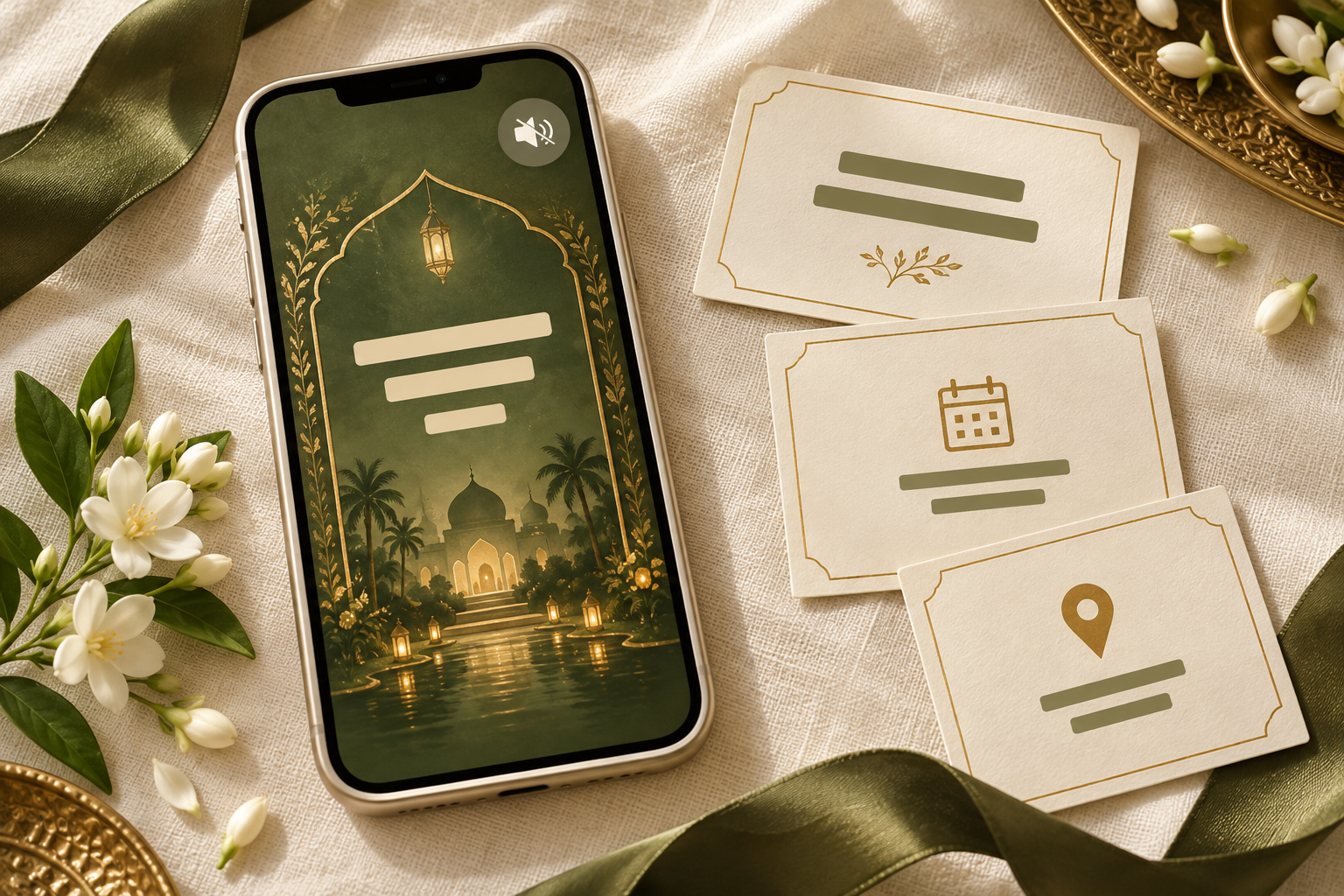
Can guests understand your invitation with the sound off?
A Nikah invitation video should tell guests who is celebrating, which event they are invited to, when and where to arrive, and how to reply even when the soundtrack is muted. Music can create atmosphere; the practical details still need a clear place on screen and in the message sent with the film.
This is a useful final review whether you choose music, a spoken welcome or no soundtrack. A guest may open the invitation somewhere quiet, have difficulty hearing the audio, or simply prefer to read it. The aim is to make the invitation understandable in that moment without requiring a second explanation from the family.
Use the sound-off review below before approving your final export. It focuses on the finished guest experience, rather than a particular editing app.
Give sound, on-screen wording and the companion message different jobs
These three parts can support each other without repeating every word.
- The soundtrack sets a mood. If it includes speech that carries meaning, that information needs a readable equivalent.
- On-screen wording identifies the couple, event and practical arrangements as the invitation unfolds.
- The companion message gives guests retrievable details and working links outside the video, so they do not have to pause an animation to find an address or contact.
A spoken “please arrive by five” is easy to miss when it is not written anywhere. A long address that flashes behind a floral transition is technically visible but still difficult to use. Review what guests can actually understand, rather than whether a detail appears somewhere in the edit.
The six-question sound-off test
Play the exported video at the size your guests will normally view it. Turn the volume down completely and avoid explaining the invitation while it plays. Then answer these six questions using only what you saw:
- Whose celebration is this? The couple’s approved names should be identifiable without relying on a spoken introduction.
- Which event am I invited to? Write “Nikah”, “Walima” or the appropriate event name clearly. A decorative wedding title alone may not answer this.
- What is the date? Use an unambiguous written date and include the year where useful for advance planning.
- When should I arrive? Distinguish an arrival time from the ceremony or reception start when those are different.
- Where am I going? Show the venue and city clearly, with the full address and a checked map link available in the companion message or invitation page.
- How do I reply? Give a response deadline and a usable reply route where a response is requested.
If a detail is still undecided, do not hide the uncertainty behind an elaborate reveal. Resolve it before sending a formal invitation, or make clear that the item is an early announcement and that confirmed information will follow.
Ask a trusted reviewer who was not involved in the edit to answer the same questions. Someone who already knows the wedding plans can unconsciously supply information the video never communicates.
An original sound-off scene plan for a Nikah invitation
The following is an illustrative structure, not a real customer’s invitation. Replace every bracketed item with approved details.
Opening: identify the occasion
“With joy, our families invite you to the Nikah of [Name] and [Name].”
Let the event name and couple’s names remain visible together. If a family welcome is spoken over this scene, make sure it does not introduce a different event or extra attendance instruction that is absent from the screen.
Event scene: give the practical information room
“Nikah [Day, written date and year] Please arrive at [time and AM/PM] Ceremony begins at [time and AM/PM] [Venue name], [city]”
Use the separate arrival and ceremony lines only when both are confirmed and relevant. If the same time serves both purposes, one clear instruction is better than unnecessary duplication.
Closing scene: show the next step
“Please reply by [date]. Reply to this invitation message to confirm your attendance. Full address and directions are in the accompanying message.”
Choose the reply wording to match how you will actually collect responses. Do not promise a reply button, form or automated tracking unless the delivery method provides it. A button-shaped graphic inside an ordinary MP4 does not become a working button just because it looks tappable.
If the invitation is for a Walima
Use an explicit Walima label and the correct event details throughout. Do not leave a Nikah date in the closing screen after adapting a previous version. If different guests are invited to different events, use the guide to one invitation video or two before finalising the edit.
When do you need captions?
On-screen event cards and captions are related, but they do different jobs. An event card might show the venue and date. Captions are synchronised with the video and represent meaningful speech and relevant audio as it plays. A summary of the practical details supports the sound-off test, but does not replace captions for a spoken message.
If a spoken welcome contains an invitation, instructions or information that guests cannot get elsewhere in the video, provide an accurate readable version. Review names and event terms carefully rather than assuming automatic captions are correct. If two people speak, make the speaker clear where it matters to understanding.
Do not place captions on top of the couple’s names, the time or the venue. Ask for a preview with the captions visible, then check the overlap on a phone.
A music-only invitation may have no spoken words to transcribe, but that is not a reason to call it fully accessible. Text embedded in a video is not the same as selectable text a guest can enlarge or use with assistive technology. The W3C audio and video accessibility guidance distinguishes captions, transcripts, descriptions of visual information and accessible players. Share a complete text equivalent of the invitation’s practical details as well, and accommodate individual guests’ needs.
Send a useful text companion with the video
A message saying only “Please watch with sound” makes audio a condition of understanding the invitation. Give guests the information they need directly instead.
Here is an adaptable message for a Nikah-only invitation:
“We would love you to join us for the Nikah of [Name] and [Name].
Date: [Day, written date and year] Please arrive: [time and AM/PM, venue-local time] Ceremony begins: [time, if different from arrival] Venue: [venue name, full address and city] Directions: [checked map link]
Please confirm by [date] by replying to this message. We have attached our invitation video and look forward to celebrating with you.”
Check that the message applies to the recipient. If it is for a whole household, make the invited people clear in the appropriate personal wording. If a separate reception is not included, do not add its details to this message merely because they appear in another family version.
Where a wedding website holds the current practical information, include its working link with a short explanation of what guests can find there. Noor’s WhatsApp sharing guide covers preparing the message and checking the link before sending.
Four problems to catch in the final preview
The response instruction exists only in the voiceover
What happens: The film ends with “let us know by Sunday”, but the screen shows only a floral monogram.
Better approach: Add the confirmed reply deadline and method visibly, then repeat them in the companion message. Use a written date where “Sunday” could become unclear after forwarding or replaying.
The venue appears during a transition
What happens: The correct location is present, but movement and overlapping decoration make it difficult to read.
Better approach: Give the practical details a settled scene with clear separation from the background. Judge the finished file on a phone instead of relying on an enlarged editor preview.
Captions compete with the invitation text
What happens: A spoken welcome is captioned across the bottom, covering the arrival time.
Better approach: Reserve separate space for captions, or adjust the scene so both can be read. Reducing all the text to fit is rarely a useful first fix.
The video says one thing and the message says another
What happens: An earlier export remains in the conversation while the accompanying message uses a revised start time.
Better approach: Compare the final video, message and linked invitation against one approved detail sheet. Share the current version consistently and communicate any later change directly.
What to ask your invitation designer
A focused brief makes this review easier:
“Please make the complete event information understandable with the audio muted. Keep the couple’s names, event label, date, time and venue readable on a phone. If we include spoken information, please show us how its text equivalent will appear without covering the event details. We will supply the approved RSVP wording and send a matching text message with the film.”
Noor’s video invitation collection describes portrait invitations, visible event details and a personalised preview before export. Use that preview to raise specific readability concerns. Ask the team about any additional caption, audio or language requirements before assuming they are included in your chosen film.
Final approval checklist
Before sharing widely:
- Play the final exported file once with sound off
- Ask a reviewer to identify the event, date, arrival time, venue and reply method
- Check every name, AM/PM label and event heading against the approved details
- Watch for text disappearing during decorative movement
- Confirm that any captions are accurate and do not obscure other wording
- Send the actual file through your intended sharing method to a trusted reviewer, then inspect the received version
- Keep the full address, directions and response details in readable text outside the video
- Open each companion-message link and confirm its destination
- Ensure the video and message invite this recipient to the same event or events
- Give guests another way to receive the details if the video format does not suit them
The invitation passes when the guest can understand what to do without turning on the soundtrack or asking the family to decode it.
Frequently asked questions
Does a Nikah invitation video have to include music?
Music is a creative and family preference, not a requirement for communicating the invitation. Discuss your preferred audio approach with your family and designer. Whether the film has music, speech or neither, the event details should remain understandable without listening.
Will every guest’s phone play the video silently at first?
No single playback rule applies to every app, device and delivery method. For a video embedded on a website, browser behaviour can affect automatic sound: Chrome’s autoplay guidance places conditions on autoplay with audio. That does not mean every downloaded video or messaging app behaves the same way. Test the way you plan to share it.
Is showing the date and venue enough if the invitation has a voiceover?
Not if the voiceover adds essential information. Check for spoken arrival instructions, event-specific invitations, reply deadlines or other details that never appear on screen. Give that information a readable equivalent.
Can the final screen replace a separate message?
It can provide a useful recap, but a separate text message is easier to revisit, copy and act on. Keep working directions and response links outside the MP4 rather than asking guests to copy them from a moving frame.
Does passing the sound-off test make a video accessible to everyone?
No. It checks a specific issue: understanding without audio. Guests may also need readable text outside the video, descriptions of visual information, an appropriate player or direct personal assistance. Treat the mute test as one practical review, alongside the needs of the people you are inviting.
Explore Noor’s four wedding website samples.
Open each live sample, compare the experience and ask us which design fits your celebration.
Two more useful reads.
 01
01Your Muslim wedding website checklist
The names, timings, family details, venue information and photographs to gather before making your Muslim wedding website.
Read the guide → 02
02Thoughtful wording for Nikah and Walima invitations
Practical Muslim wedding invitation wording for family introductions, Nikah details, Walima invitations and a warm guest welcome.
Read the guide →