
Portrait or Landscape Wedding Invitation Video? A Nikah Guide
Choose a video format for family phones or a wide screen, with a clear designer brief, cropping examples and a three-stage sharing test.
Choose the screen before choosing the shape
For a Nikah or Walima invitation mainly watched on an upright phone, a portrait video is a practical starting point. If the same film must also fill a wide television or venue screen, discuss that separate use before production. Cropping a finished invitation into a different shape can remove the very details guests need.
The useful question is not simply “Which looks more cinematic?” It is “Where will our guests watch this, and can they read the invitation there?” Start with the main viewing situation, then choose a composition that gives names, dates and venues enough room.
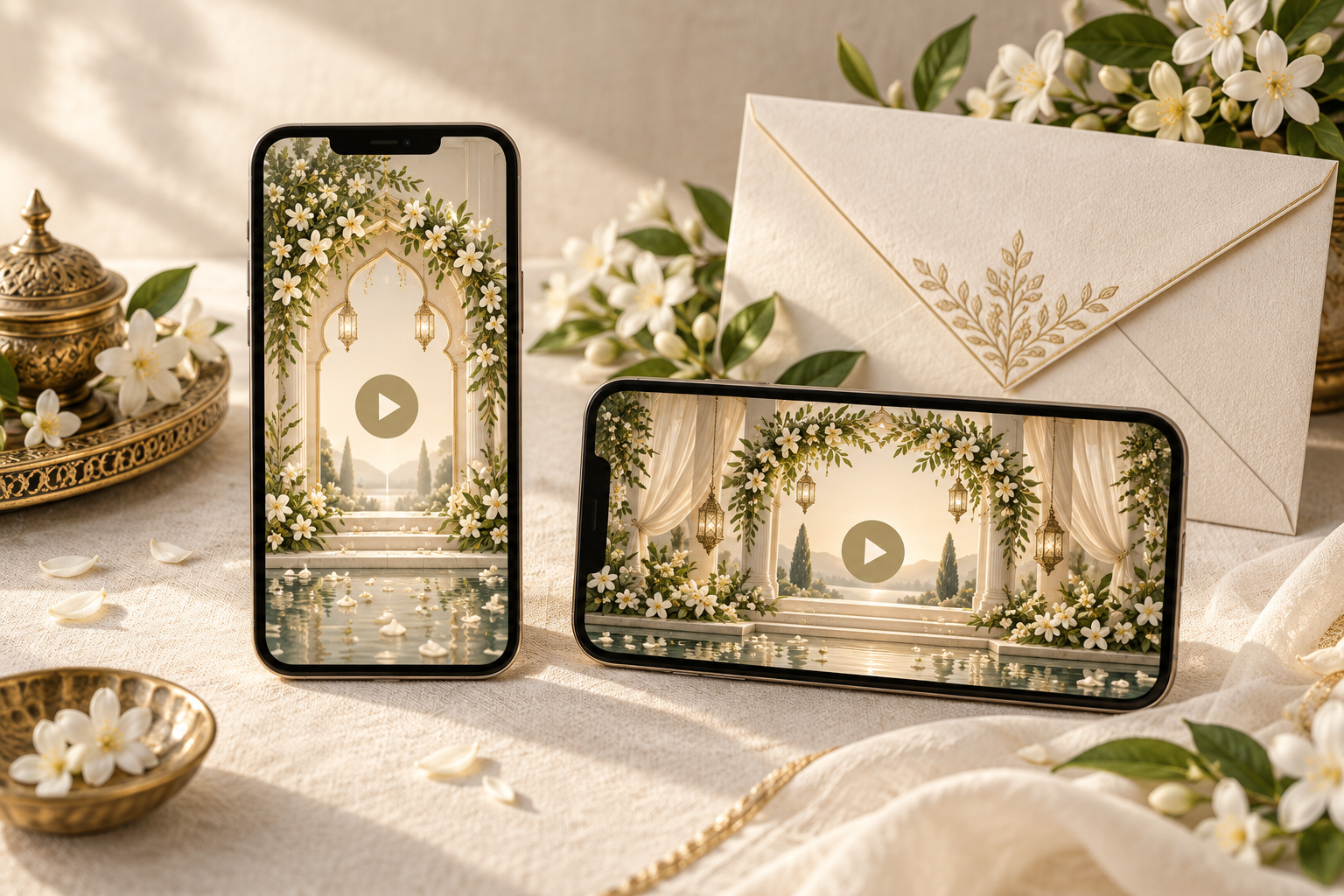
This guide helps you brief the format, compare a portrait and landscape layout, and test the actual shared file. The cover is an original editorial illustration, not a preview of an included Noor design or a promise of two formats.
What portrait and landscape mean
Portrait is taller than it is wide. A 9:16 video, for example, has nine units of width for sixteen units of height. Landscape is wider than it is tall; 16:9 reverses those proportions. Aspect ratio describes the shape, not the sharpness, file size or reading time.
A large-resolution file can still contain tiny lettering. A correctly shaped video can still rush past the venue. Judge the composition and pacing together rather than treating the ratio as a quality score.
Noor's Nikah video invitation service currently specifies a portrait 9:16 composition, a personalised preview and MP4 delivery. If you need a landscape adaptation or an additional export, ask about availability, scope and cost before ordering. Do not assume that a second orientation is included.
Match the format to the main viewing situation
Guests opening a family WhatsApp message
Portrait is a sensible choice when guests normally hold their phones upright. Names and event details can be arranged vertically without asking the viewer to rotate the device. Check the film after it has been sent through your intended sharing route, not only in the editor's preview.
A landscape film may still be viewable on a phone, but the guest may need to rotate it for a larger image. If they leave the phone upright, the content can occupy a smaller area. That makes a long venue line or an elaborate host introduction harder to read.
A WhatsApp Status announcement
Treat Status as an additional announcement rather than the only way to deliver the formal invitation. WhatsApp's Status guidance explains that updates disappear after 24 hours and are shared with a selected audience. Guests may miss one, even when the design is attractive.
Preview the film in Status separately from the chat version. Look for interface elements covering names, captions competing with event information, and any trimming or quality changes. Do not assume that a successful chat test proves the Status version is ready. Send the invitation directly to the intended guests as well.
A television or venue screen
Ask the person operating the screen which shape and playback file they need. A portrait invitation on a wide screen may leave unused space on the sides; that can be preferable to cutting away the top and bottom.
If the screen presentation is important, request a separately composed version where available. Establish who will prepare it and test it on the actual playback equipment. A wedding invitation made for phones should not be assumed to double as a venue display film.
Why cropping is different from redesigning
Imagine an illustrative invitation scene with the couple's names near the top, a floral arch through the centre and the Walima venue near the bottom. Cropping that portrait scene into a wide rectangle could preserve the arch while losing both the names and venue.
Shrinking the whole portrait scene into a landscape frame keeps the details, but may make the text too small at the intended viewing distance. A considered adaptation usually needs a new arrangement: repositioned text, adjusted photograph crops and another readability review.
Use this distinction in your brief:
- Crop: remove part of the existing frame. Check what disappears.
- Fit: keep the whole frame inside a differently shaped canvas. Check how small the invitation becomes.
- Recompose: arrange the elements for the new shape. Check every scene again, including timing and text breaks.
None of these operations should stretch faces, distort lettering or replace missing content with guesses. Keep the approved wording beside both versions so the event details remain identical.
A worked Nikah and Walima layout decision
Consider a fictional couple whose invitation will go mainly to family phones, with a separate request to show it on a wide screen during a gathering. Their names and two event descriptions need more room than a decorative opening scene.
Their primary brief could be:
“Please prepare the guest invitation for upright phone viewing. Show Nikah and Walima in separate readable scenes. Keep the full venue names and event dates visible without zooming. Our main delivery route is a direct WhatsApp message.”
Their additional question could be:
“We may also show this on a wide screen. Is a separately arranged landscape version available? Please confirm the additional scope, price and delivery timing before starting it.”
This approach prevents a last-minute instruction to “just make it horizontal.” It also keeps the optional display requirement from compromising the invitation most guests will receive. If the two celebrations have different guest lists, settle whether you need one invitation video or two before discussing extra screen formats.
What to tell your designer before the first preview
A short format brief is more useful than a collection of screenshots with conflicting proportions. Copy and adapt these prompts:
- Main audience: guests watching on phones, a wide-screen audience, or both.
- Primary delivery route: direct WhatsApp message, another agreed route, and any optional Status use.
- Required version: the offered format you are ordering; list any additional version as a request to confirm.
- Essential text: approved names, event labels, written dates, times and complete venue details.
- Photographs: which images are essential and which can be replaced if the crop is unsuitable.
- Preview test: the actual phone and sharing route you will use before approval.
- Final deliverables: ask the designer to confirm the file format, orientations and any extra adaptation charges.
Send original photographs where possible. A screenshot of an already cropped image gives the designer less flexibility. For framing and photo selection, use the Nikah video invitation photo checklist.
Run a three-stage format test
1. Review the composition without pausing
Watch the preview at normal speed on a phone. Can you identify the couple and distinguish Nikah from Walima? Can you read each date and venue before the scene changes? If you have to pause repeatedly, report the specific scene rather than asking for every line to be made smaller.
Check the full length of long names and any second language. Make sure flourishes, portraits and moving decorations do not pass over essential text. A balanced first frame does not guarantee that every later scene is readable.
2. Test a received copy
Send the approved test file privately to a trusted reviewer using the route planned for guests. Have them open the received copy on their own phone. Ask them to tell you the event date and venue without referring to a separate message. This tests understanding, not just whether the file opens.
Repeat the check without sound. Important details should remain clear even when the viewer cannot listen; Noor's sound-off invitation checklist gives a fuller review process.
3. Inspect every extra destination separately
If you plan a Status update, inspect its preview before sharing. If a landscape version is supplied, check that version from beginning to end too. Confirm that no old spelling, date or venue survived when the layout was adapted.
Keep file names clear, such as “Nikah-phone-approved” and “Nikah-screen-approved”, with the appropriate file extension. Do not send a draft simply because its thumbnail looks like the final version.
Final format approval checklist
Before releasing the invitation, confirm that:
- The main format suits the way most guests will watch it.
- The file matches the format and scope agreed with the designer.
- Every name, date, event label and venue is complete in its intended scene.
- No photograph or lettering has been stretched to fill the screen.
- Important details remain readable at normal playback speed.
- A received copy has been checked on a second phone.
- Status or wide-screen uses have been tested separately, if planned.
- Optional versions contain the same approved event information.
- The final invitation will reach the intended guests directly.
If your main use is a portrait invitation for family phones, explore Noor's video designs and include your viewing requirements in the enquiry. Confirm unusual display needs before the edit begins.
Frequently asked questions
Is portrait always better than landscape?
No. Portrait is often a practical fit for upright phone viewing, while a wide screen may suit landscape. Choose for the actual audience and screen rather than assuming one shape is inherently more elegant.
Does 9:16 mean the video is high definition?
No. It describes the width-to-height ratio. Resolution, export quality, text size and the received playback experience need separate checks.
Can we turn a portrait invitation into landscape later?
It may be possible to adapt it, but cropping alone can remove information. Ask whether a separately arranged version is available and what it costs. Noor's listed service is portrait 9:16; an additional landscape version should not be assumed.
Can a landscape photograph be used in a portrait invitation?
It can be considered, but the composition matters. A crop may remove people or important surroundings. Share the original image and identify what must remain visible so the designer can assess it.
Should the Status version replace the direct invitation?
No. Status is temporary and depends on who can see and actually watches it. Use it as a supporting announcement, and deliver the formal invitation directly to the people invited.
Explore Noor’s four wedding website samples.
Open each live sample, compare the experience and ask us which design fits your celebration.
Two more useful reads.
 01
01Your Muslim wedding website checklist
The names, timings, family details, venue information and photographs to gather before making your Muslim wedding website.
Read the guide → 02
02Thoughtful wording for Nikah and Walima invitations
Practical Muslim wedding invitation wording for family introductions, Nikah details, Walima invitations and a warm guest welcome.
Read the guide →