
Wedding Website QR Codes for Nikah and Walima Invitations
Connect a printed Nikah or Walima invitation to the right guest page, with label examples, a three-person handover test and a print approval checklist.
Connect the card to the right invitation
A wedding website QR code is useful when a guest is holding a printed card and wants to open the invitation on a phone. Before adding one to a Nikah or Walima card, settle three things: which guest page it opens, how the guest can reach that page without scanning, and who will test the finished print.
The square should lead to your approved guest-facing invitation, not your editor, an unfinished preview or the website designer's home page. For a WhatsApp message, include the clickable invitation link itself. Guests should not have to work out how to scan an image already displayed on their own phone.
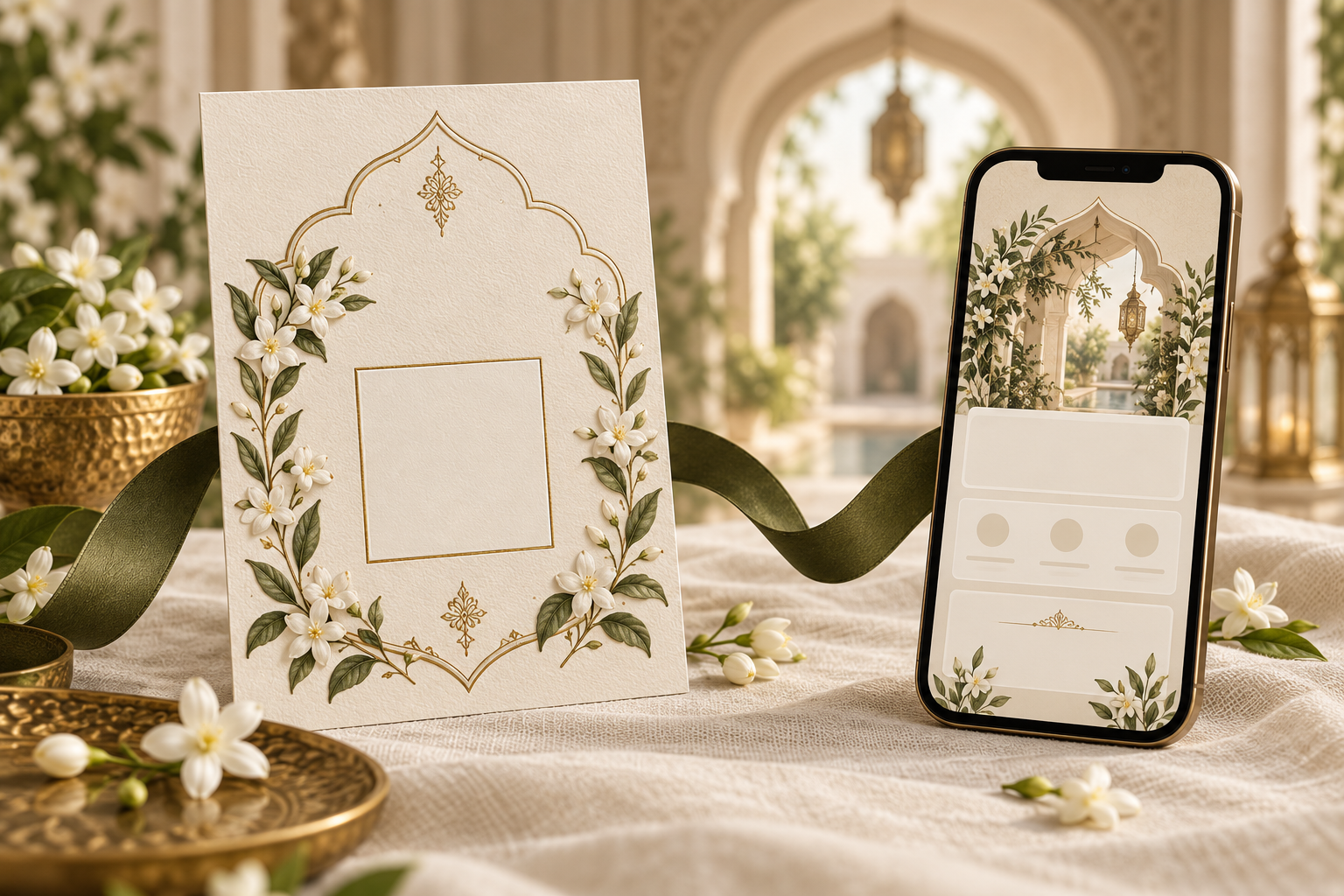
This guide covers a QR code that opens a website. It does not describe a guest admission pass, a payment code or an automatic check-in system. The cover is an editorial illustration, not a working code.
Choose the destination before designing the square
Start by writing one sentence: “After scanning, this guest should be able to…” Complete it with the actual task. That small decision prevents several common mismatches.
- Read the celebration details: use the final invitation page with the appropriate events, dates and venues.
- Reply to the invitation: use the confirmed RSVP route, or the invitation page where the response option is easy to find. Do not label a general homepage “Scan to RSVP” if the reply form is difficult to locate.
- Find the venue: use the checked map destination and label it as directions, not as the full invitation.
One code does not have to do all three jobs. However, adding three similar squares to a small card can create a new problem: guests may not know which one to scan. A single clearly labelled invitation link is often the simpler starting point.
For a Noor invitation, explore the wedding website service and agree the final guest link before the print artwork is approved. Noor lists mobile-friendly invitations, venue maps and private RSVP among its website features. Confirm any QR artwork or printing assistance separately; this guide is not a claim that a printed-card service or QR generator is included.
When Nikah and Walima guest lists differ
Check the destination from the recipient's perspective. A Walima-only card should not unexpectedly open a page that appears to invite the guest to a smaller Nikah gathering as well.
If you have separate approved guest links, keep the print files separate too. Give each file a clear internal name, such as “Walima card, guest link checked” and “Nikah card, guest link checked.” Those names are production notes, not words that need to appear on the invitation. Ask the designer which event-specific arrangement is supported rather than assuming the code itself can hide events.
Understand what can change after printing
A printed QR pattern cannot be edited on the paper. What happens after scanning depends on the address encoded in it.
A code that directly contains your invitation address continues to point to that address. If the page content is updated while the address stays the same, the code can still open the updated page. If the address changes or the website becomes unavailable, the original printed code may stop being useful.
Some QR services instead encode an intermediate redirect address. The service may offer destination editing, but its account, subscription and availability become another dependency. Before using one, ask what happens after a free trial, whether scans depend on an active plan, and how long you need the link to work. Do not mistake “free to create” for a promise that every hosted redirect remains active indefinitely.
Keep a small private record of the final destination, the service used to create the code, and the person responsible for it. Do not put login details in that record or send them to the printer. Confirm the invitation's hosting period with your provider before producing physical cards.
Give guests a useful label and a backup
The label should explain the benefit, not merely say “QR code.” Use wording that matches the destination. These original examples can be adapted to the arrangements you have actually confirmed:
Full invitation
“Scan to open our wedding invitation, with event details and directions.”
Add the final website address underneath. If the address is too long for the layout, ask whether an approved shorter guest address is available before printing a shortened version. A shortened address that has not been created and tested will not work.
Walima invitation
“Please scan for our Walima details and RSVP.”
Use this only if the linked page really contains the Walima information and response route. Keep the printed event name visible even when the guest chooses not to scan.
Help for guests who prefer another route
“You can also open the website address below or contact our family for help replying.”
If you print a contact number, get that person's agreement first and make sure someone will handle replies. A relative who records a response should follow the same guest-response process as the online replies, so one household is not accidentally counted twice.
For the digital version, the WhatsApp sharing guide helps you pair a short message with a direct invitation link instead of relying on an image alone.
Protect the scan area within the design
Ask your designer to preserve the code's complete pattern and surrounding empty margin. Avoid stretching it into a different shape or placing decorative elements over its squares. A gold frame can sit outside the scan area; it should not compete with the code itself.
Use a clear dark pattern on a plain light panel. Have the printer check that fine edges remain distinct at the actual printed size. There is no useful size promise without considering the pattern, print quality, surface and phones involved. Ask for a physical proof rather than shrinking the code until it merely looks unobtrusive on a large monitor.
If the invitation has folds, ribbons or layered inserts, assemble the proof as guests will receive it. Check that the code is not hidden by the ribbon, cut by a fold or placed on a part normally discarded. The most elegant placement is one the guest can find without instructions from the host.
Run a three-person handover test
Treat this as a short production check rather than a technology demonstration. Give each reviewer a different job.
The content reviewer checks that the opened page belongs to the correct couple and celebration, with approved dates, venues and response instructions. They should compare the page to the final event brief, not to an old screenshot.
The phone tester scans the physical proof on more than one phone where possible, including a device that has not been used to edit the website. Test an ordinary mobile connection as well as the familiar home Wi-Fi. Continue past the opening screen to the details guests actually need.
The family reviewer receives the assembled invitation without coaching. Ask them to explain what they think the code does and how they would reply if scanning did not work. Their confusion is valuable feedback about the label or layout, not a reason to make the invitation more complicated.
On an iPhone, Apple's current scanning instructions describe opening Camera or Code Scanner, bringing the code into view and tapping the resulting link. Other phones differ, so test the devices your family actually uses rather than promising identical controls everywhere.
Diagnose the failure before replacing everything
A code can fail at different stages. Record what the tester saw so the designer can fix the right issue.
- No link appears: inspect the physical print, margin, lighting and pattern clarity. Compare it with the original exported artwork.
- A link appears but the wrong page opens: check the encoded destination and which print version was used.
- The correct page asks for editor access: replace the destination with the approved guest-facing link. Never share the editor's credentials as a workaround.
- The invitation opens but the guest cannot find the event: review the page contents and label, particularly when Nikah and Walima invitations differ.
- The guest cannot or does not want to scan: use the written website address or agreed family contact route.
A QR code does not make a page private. Anyone who receives or photographs the card may be able to follow its destination. Review invitation privacy when links are forwarded before putting sensitive guest-specific information behind a widely shared code.
Final approval checklist
Before approving the print run, confirm that:
- The destination is the final guest page, not an editor or temporary preview.
- The event list matches the people receiving this card.
- The label accurately describes what opens.
- A tested written address or other practical fallback is present.
- The exported code has not been cropped, stretched or covered.
- The assembled physical proof scans on the test phones.
- The destination works without the designer's signed-in session.
- The event details and response route have been checked after opening.
- The hosting or redirect arrangement covers the period you need.
- One finished card from the delivered print batch is checked again.
Keep the approved print file and destination together so future reprints use the same tested version.
Frequently asked questions
Should a WhatsApp invitation contain a QR code?
It may contain one as a visual extra, but include the clickable link in the message. A direct tap is a clearer route when the invitation is already on the guest's phone.
Can the same code be used for Nikah and Walima?
Yes, if the destination is appropriate for every recipient. If event access or invitations differ, agree the guest pages and card versions before generating the codes. The pattern alone does not manage a guest list.
Does scanning automatically submit an RSVP?
Opening a website link is not the same as submitting a response. Guests must complete the response process shown on the page. Do not count a scan as confirmed attendance.
Can we change the venue without reprinting the code?
If the same invitation address remains valid and the page can be updated, the code can still lead there. Guests who already read the old information also need a direct correction; a website update alone does not ensure they know about it.
Can we use a decorative code from an AI-generated cover?
No. Editorial artwork is not verified QR data. Generate the actual code from your approved destination, preserve its exported pattern, and test the finished card. The illustration above deliberately uses a blank square rather than a functional code.
Explore Noor’s four wedding website samples.
Open each live sample, compare the experience and ask us which design fits your celebration.
Two more useful reads.
 01
01Your Muslim wedding website checklist
The names, timings, family details, venue information and photographs to gather before making your Muslim wedding website.
Read the guide → 02
02Thoughtful wording for Nikah and Walima invitations
Practical Muslim wedding invitation wording for family introductions, Nikah details, Walima invitations and a warm guest welcome.
Read the guide →