
Wedding Invitation Video Opening Screens: What to Show First
Plan a clear first frame and name reveal for your Nikah or Walima film, with five opening directions, a copyable designer brief and a recipient-side test.
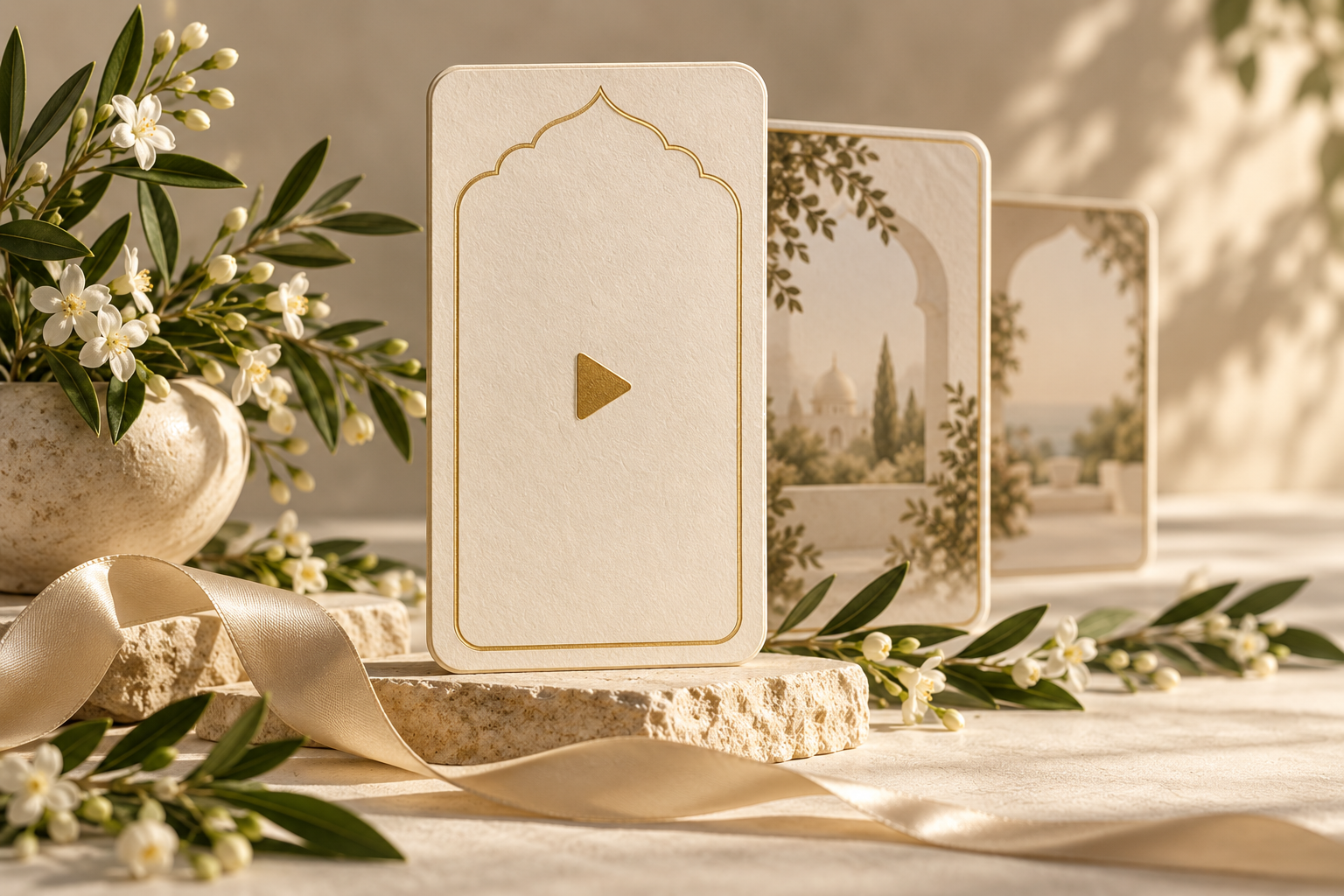
Start with recognition, not a long wait
A wedding invitation video opening screen should help guests recognise whose celebration they are about to watch. A useful starting point is the couple’s approved names and a clear event label, such as “Nikah invitation” or “Walima invitation.” Add the date if it remains comfortably readable. Let the animation introduce the mood without making guests wait through a long decorative sequence to find out what the video is.
That does not mean every film must begin with a static card. An envelope, garden gate or floral reveal can be a lovely opening. The practical question is what guests see before the reveal, during it and when the first complete text settles.
This guide separates those moments and gives you five opening directions to discuss with your designer. They are illustrative briefs, not promises that a particular template supports every layout.
Separate the first frame, opening scene and chat preview
These three things are easy to confuse when approving a wedding film:
- First frame: the very first image inside the exported video file. It may be fully composed, dark or part of a transition.
- Opening scene: the short sequence guests watch after playback begins. It can include moving artwork and a name reveal.
- Chat preview: the image or file presentation a messaging app shows before playback. Do not assume the view in your editing software will match what a recipient sees.
Approve the video’s first image and opening scene as design decisions, then test the received file in the sharing route you intend to use. A designer can compose a stronger beginning, but should not promise that every phone or app will display an identical thumbnail.
Avoid relying on a single attractive frame that appears only fleetingly. If that frame contains the names, guests also need a settled moment to read them after they press play.
Give the opening one clear job
The opening introduces the invitation. It does not have to carry the full venue address, both families’ names, every function, an RSVP contact and a long quotation at once.
A simple hierarchy is:
- Who: the couple’s approved names, with enough identification for the intended guests.
- What: the celebration this version invites them to.
- When, if space allows: the date, written without ambiguous all-numeric shorthand.
The remaining details belong in later scenes. If you use initials as a decorative monogram, do not make them the only identification in the opening sequence. Someone receiving a family-forwarded video may not immediately recognise them.
Keep event labels accurate. A Walima-only guest should not have to watch a general “wedding celebrations” introduction and wonder whether the Nikah is included. When guest lists differ, plan the relevant versions first; our guide to one video or separate Nikah and Walima invitations explores that decision.
Five opening directions for your designer
The bracketed wording below is a template. Replace it with approved details, and check which changes your selected design permits.
1. A name-led invitation card
Show first: a composed background with the names already readable, followed by restrained movement in the border or artwork.
Example hierarchy:
- Nikah invitation
- [Name] and [Name]
- [Date]
This direction suits a couple who want immediate clarity. Ask for the names to remain stable while decorative elements move around them. Two readable lines are better than forcing long names into one small line.
2. A gate reveal with an identifiable beginning
Show first: the complete gate or architectural artwork, with a short approved name or event line placed where it can be read without fighting the ornament.
Then reveal: the full couple names inside the scene after the gate opens.
A useful brief is: “We would like to keep the gate opening, but the film should feel like our invitation before the gate moves. Please show us the closed-gate frame and the fully revealed name frame separately.”
Do not ask the designer to squeeze every detail onto the gate. The aim is recognition, followed by a clear reveal, not two crowded title cards.
3. An envelope opening into a formal title
Show first: an envelope with a restrained decorative seal and a readable identification line, if supported.
Then reveal: “You are invited to the Walima of [Name] and [Name].”
Check the moment between the envelope opening and the title settling. A beautiful opening is less useful if the names move away just as the guest begins reading. Keep the invitation wording visible long enough for someone unfamiliar with the names to finish it comfortably.
4. A photo-led opening with clear name placement
Show first: an approved couple photograph with a simple event label and name treatment that does not cover faces.
If the names sit beside two individual portraits, make the association unmistakable. Do not rely on a decorative crossing animation that briefly swaps their visual positions. Ask to inspect the settled frame, not just the motion at full speed.
Use photographs you have permission to share. If either person prefers not to use photographs, an artwork-led opening can carry the same essential information without them.
5. A bilingual opening with two readable text areas
Show first: the approved event label and names in the languages the family needs, arranged as separate, deliberate text areas rather than competing lines.
Do not assume that shrinking both languages produces an elegant result. Try a simpler background, a more generous name scene or separate versions if the selected format cannot accommodate both comfortably.
Have a fluent reader approve names and wording in each language. The layout must support the script, not merely resemble it. Our guide to one bilingual film or separate language versions can help you brief the wider video.
Plan the first complete reading moment
An opening can move quickly and still be readable, but it needs a point where the important text has finished arriving. Judge that settled moment separately from the reveal itself.
Ask a reviewer who has not memorised the invitation to watch once on a normal phone. Then ask:
- Whose invitation was it?
- Which celebration was named?
- Could you finish reading the first title without pausing?
- Did any text cross a face, ornament or moving highlight?
If they miss a name, do not immediately assume the font needs to be larger. The problem might be thin strokes, low contrast, too much movement, an awkward line break or too little time after the letters settle. Change the specific cause and review again.
A shimmer or light sweep should decorate readable letters, not briefly erase them. Keep the identifying text understandable when the highlight is at its brightest and when the background is at its darkest.
For a full-film check rather than just the opening, see our sound-off Nikah invitation checklist.
Test the actual file before sharing widely
Review the exported file, not only a screen recording of the design preview. Then send it privately to a consenting family reviewer using the same route you plan to use for guests.
Check these three views:
- Before playback: does the received item look understandable, and does the accompanying message identify it?
- From the beginning: does the opening play as intended, without an unwanted blank lead-in or a clipped first word?
- At the settled title: are the names and event label readable without zooming?
If the received preview is dark or unhelpful, first compare it with the first image in the original export. Ask the designer to check the beginning of the file if that image is also unintended. If the original begins correctly but the chat preview differs, report the exact difference rather than repeatedly re-exporting at random.
A short accompanying message is a useful fallback: “Here is the Nikah invitation for [Name] and [Name]. Please open the video for the celebration details.” Do not put essential information exclusively in an assumed thumbnail.
If the issue is blurred text throughout playback rather than the opening, use the separate guide to checking a blurry WhatsApp invitation video.
A copyable opening-screen brief
Send this with the approved names and wording:
“Please make the opening identifiable as our [Nikah/Walima] invitation. Our preferred direction is [name-led/gate/envelope/photo-led/bilingual]. Keep the names readable at the first complete title, and do not cover faces or essential lettering with moving decoration. Please show us the first exported frame, the opening in motion and the settled name frame. We will test the final file in our intended sharing route before sending it to guests.”
Add your requested date line and any family preferences separately. Avoid instructions such as “make it more premium” without explaining whether you mean stronger lettering, calmer movement, a clearer hierarchy or a different visual direction.
Noor video invitations are portrait-first films personalised with names, celebration details and supported photographs, with a personalised preview before export. Confirm which opening changes your chosen direction supports before editing begins. A visual idea in this guide is not an assurance of a new animation or custom scene being included.
Frequently asked questions
Must our names appear in the very first frame?
Not necessarily. A short visual introduction can work, especially when the accompanying message identifies the couple. Still, review how soon the names become fully readable. Avoid making guests wait through a long unlabelled sequence just to recognise the invitation.
Can we use only a monogram on the opening?
You can use a monogram decoratively, but include a clear name reveal soon afterwards. Initials alone may be unclear to extended relatives or guests receiving the film through someone else.
Should the opening include the venue?
Only if it fits the purpose and remains readable. The opening usually benefits from a small amount of information. Put the complete venue and attendance details in a dedicated scene instead of reducing every line to fit the title.
Will a designed first frame guarantee the WhatsApp thumbnail?
Do not treat it as a guarantee. Approve the actual first frame, then check the received preview on the phones and sharing route you use. Keep a clear accompanying message so the invitation still makes sense before playback.
Can a fast opening still feel graceful?
Yes, if movement has a clear destination and the important words get a settled reading moment. Keep decorative motion brief, preserve contrast and allow time after the reveal rather than keeping every element moving continuously.
A clear beginning makes the rest easier to follow
Choose the opening around recognition first, then atmosphere. Keep the event label accurate, give the names a stable reading moment and test the exported file as a guest would receive it. A beautiful reveal works best when the guest can enjoy it without having to replay the beginning to understand whose invitation it is.
Editorial reference
Motion Stamp’s video invitation design guide discusses intentional opening images and mobile-readable type. Its platform limits and app-behaviour descriptions should not be treated as current specifications. This article uses a recipient-side test rather than promising a particular thumbnail outcome; the five design briefs and review workflow above are original Noor editorial guidance.
Explore Noor’s four wedding website samples.
Open each live sample, compare the experience and ask us which design fits your celebration.
Two more useful reads.
 01
01Your Muslim wedding website checklist
The names, timings, family details, venue information and photographs to gather before making your Muslim wedding website.
Read the guide → 02
02Thoughtful wording for Nikah and Walima invitations
Practical Muslim wedding invitation wording for family introductions, Nikah details, Walima invitations and a warm guest welcome.
Read the guide →