
Save the Date Location Wording for Nikah and Walima
Choose clear city and venue wording for your Nikah or Walima Save the Date, with examples for unconfirmed venues, suburbs and celebrations in two cities.
A Save the Date should tell guests which celebration to keep free, when it will happen and where they should expect to travel. For the location line, start with the confirmed city and add the state or country when that helps your guests identify it. You can leave the venue name for later if the date and city are genuinely settled.
The difficult cases need a little more care: a venue outside the familiar city, a Nikah and Walima in different places, or a family still choosing between destinations. Here is how to make the wording useful without presenting an unfinished plan as a confirmed arrangement.
All examples below are original templates. Replace bracketed details and use only the wording that matches your plans.
Should you include the city or the full venue?
The city is usually the most useful starting point. It helps guests understand whether the celebration is local, an overnight trip or a journey abroad. A street address is not necessary for that first decision.
Minted’s Save the Date guidance recommends giving the city and state, adding the country for an overseas destination, and leaving an unconfirmed venue off the announcement. It also advises waiting until the date and city are firm.
You can include a confirmed venue if it genuinely helps. A remote resort or an event outside the city centre may affect where someone should stay. Keep the location readable rather than squeezing the full address into tiny type. The invitation can carry the address, entrance instructions and checked map link later.
The practical test is simple: would someone reading this location line make a reasonable assumption about where the event actually takes place?
When the city is confirmed but the venue is not
Use a clear city line and explain exactly which detail will follow. “Venue details to follow” is more helpful than “Location TBC” when the city is already decided.
Example: a Nikah in a confirmed city
- Save the date for the Nikah of [Name] and [Name]
- [Full date and year]
- Hyderabad, Telangana, India
- We look forward to celebrating with you. The venue and full invitation details will follow.
Only use this approach if choosing the venue will not change the announced date or city. If your preferred date depends on a booking you have not secured, keep the announcement in draft.
If guests are already asking about accommodation, a separate message can say: “We are finalising the venue within [confirmed city]. Please wait for the venue details before choosing accommodation.” Use that request only if you intend to send the information they need in time.
Use the actual town, suburb or district when it matters
A familiar city name can help guests recognise the destination, but it should not hide a different location. If your venue is outside that city, lead with the actual place and add the familiar reference only where useful.
Example: a venue outside the main city
- Please save the date for our Walima
- [Names] · [Full date and year]
- [Actual town or district], near [familiar city], [state, country]
- Your invitation with the venue address and directions will follow.
Avoid using “near” without checking whether it gives a fair impression. If the journey materially changes the trip, explain that in the supporting message. Do not add an estimated drive time from memory: traffic, arrival points and the chosen route can change it.
If the venue is already confirmed, naming it alongside its town may be clearer. For the later invitation, follow our venue map and directions checklist to check the exact destination and entrance.
Give each celebration its own location line
When the Nikah and Walima take place in different cities, a single city beneath both event names can be misleading. Put each date and place beside the event it describes.
Example: guests invited to both celebrations
- Please save the dates for our Nikah and Walima
- [Name] and [Name]
- Nikah: [Full date and year] · Bengaluru, Karnataka, India
- Walima: [Full date and year] · Hyderabad, Telangana, India
- We would love to celebrate both occasions with you. Separate venue and invitation details will follow.
Do not let the layout suggest that travel between the two cities is arranged. If you have not confirmed transport, accommodation or a shared itinerary, leave those promises out.
For someone invited only to the Walima, show the Walima location. You do not need to add the Nikah city as background. Our guide to who gets a Nikah or Walima Save the Date covers the recipient decisions in detail.
If both events share a city but use different venues, one city line can work, provided the dates and event names are clear. Add “Venue details for each celebration will follow.”
What if the city is still undecided?
Avoid sending a finished Save the Date that names a destination you might change. An announcement that says only “location to be announced” gives travelling guests little basis for making plans.
If close family need an update now, explain the uncertainty directly in a personal message.
Example: an early planning update
“We are planning our [Nikah/Walima] for [proposed date or period] and are still deciding between [places]. The arrangements are not confirmed yet, so please hold off on travel bookings. We will share our Save the Date once the date and location are settled.”
This is a planning update, not a confirmed invitation. Avoid asking people to reserve a firm date if that date could move too. When the arrangements are settled, send a new, complete announcement rather than expecting everyone to piece together earlier messages.
Make the location clear on a phone
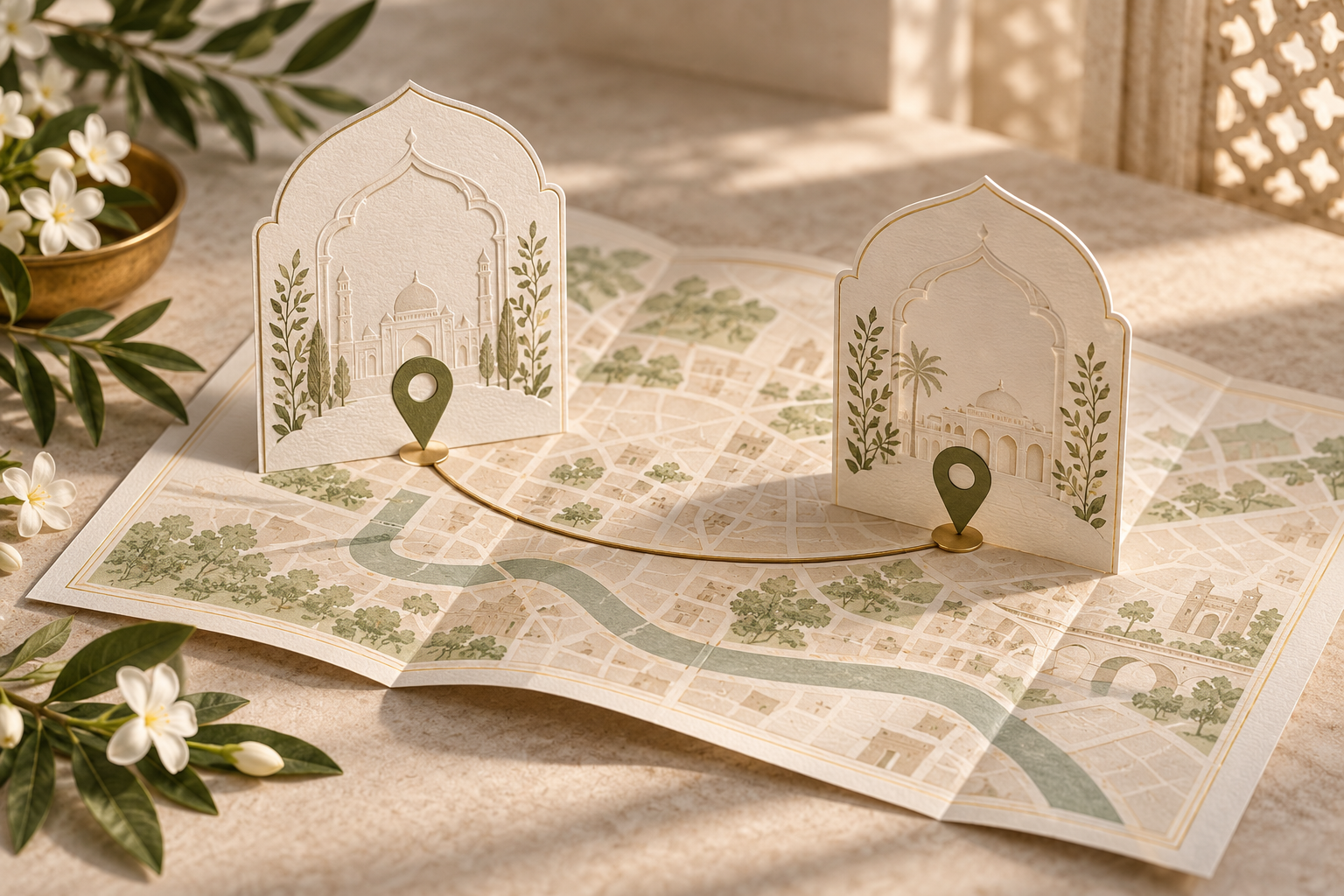
Keep the event, date and city together in the design. A decorative skyline or map illustration can set the mood, but guests still need the place written out.
For international recipients, spelling out the country helps. Write the month in words and include the year so the date remains clear across different date conventions. If the announcement is bilingual, check that both versions name the same place and use the approved spelling.
A short WhatsApp message can repeat the essential details:
“Please save [full date and year] for our Walima in [city, state, country]. We are looking forward to celebrating with you. The venue and full invitation will follow.”
Keep the image understandable on its own as well. It may be saved or forwarded without that accompanying text. If guests will use a website for later details, include its link only once the page is ready and the information shown is accurate.
A final location-wording checklist
Before approving the design, check:
- The date and city are confirmed for every event shown
- Each place is attached to the correct Nikah or Walima date
- The town, suburb or district is accurate, without a misleading city shorthand
- The country is included where guests need it
- An unconfirmed venue is clearly described as still to follow
- No wording implies that hotels or transport have been arranged unless they have
- The image, accompanying message and website agree
- The location is readable on a phone without zooming
Ask someone unfamiliar with your plans: “Where do you think you are being invited, and for which event?” If they hesitate, revise the wording before sharing.
Frequently asked questions
Can we leave the venue off a Save the Date?
Yes, if the date and city are firm. Give the city and say that venue details will follow. If booking the venue could change either fact, wait before sending a confirmed announcement.
Do local guests need the city written out?
It is still useful. Someone may save the image for later or share it with another invited household member. A short city line removes the need to rely on background knowledge.
Should we add an airport or hotel name?
Add those details only when they have been checked and will help guests. A hotel name can sound like a booking recommendation or an arranged stay, so explain its role. The Save the Date can stay concise while later travel information supplies the detail.
What if the location changes after we send it?
Tell affected guests directly, explain the old and new locations, and send the corrected announcement. Update any website too. Our venue-change message guide covers the wording. Do not assume everyone will notice a replacement image or revisit a link.
Bring the wording into your design
Once the date, event and location lines are agreed, explore Noor’s Save the Date invitations. Share the exact wording you need and confirm how it will fit your chosen design. For the fuller invitation, Noor wedding websites provide a place for event details, venue maps and RSVP information.
The goal is a small announcement that guests can act on confidently: the right date, the right celebration and a location that means what it says.
Explore Noor’s four wedding website samples.
Open each live sample, compare the experience and ask us which design fits your celebration.
Two more useful reads.
 01
01Your Muslim wedding website checklist
The names, timings, family details, venue information and photographs to gather before making your Muslim wedding website.
Read the guide → 02
02Thoughtful wording for Nikah and Walima invitations
Practical Muslim wedding invitation wording for family introductions, Nikah details, Walima invitations and a warm guest welcome.
Read the guide →