Separate Nikah and Walima invitations when guest lists differ
Use a Nikah-only, Walima-only or combined invite. Includes copyable wording, a guest-list check and a simple way to handle a wrong link.
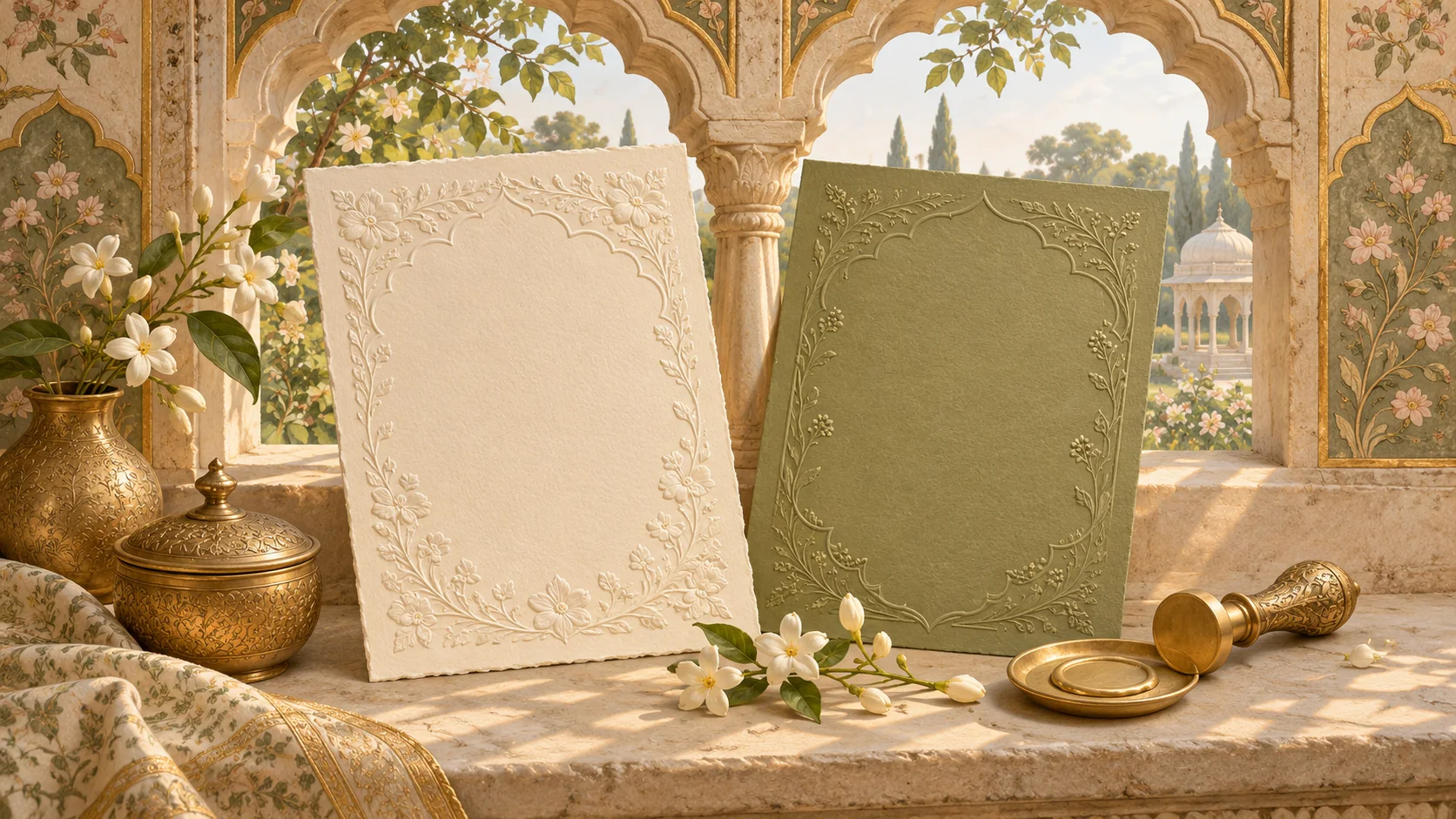
Use a version for each group
Send a Nikah-only invitation to guests invited only to the Nikah, a Walima-only invitation to guests invited only to the Walima, and a combined invitation to guests invited to both. Start with the guest list and decide which information each household should receive. There is no need to mention an event a household is not invited to.
Copy a message for the right guest list
Nikah only: “Dear [guest names], we would love you to join us for the Nikah of [couple] on [day, full date] at [time, city]. The venue and directions are here: [Nikah invitation link]. Please reply by [RSVP date].” Walima only: “Dear [guest names], please join us for the Walima celebrating [couple] on [day, full date] at [time, city]. You’ll find the reception details here: [Walima invitation link]. Kindly reply by [RSVP date].” Both events: “Dear [guest names], we would love you to join us for both our Nikah and Walima. Each event’s date, time and directions are listed separately here: [combined invitation link]. Please let us know which events you can attend by [RSVP date].”
Give the send list four useful columns
Keep a private sheet with household, invited events, link version and RSVP status. Mark “Both” explicitly instead of leaving a blank. Ask one family member to check names and another to open each link on a phone before sending. Check the share preview and any downloadable file as well: an old title or a combined attachment can reveal details from the wrong version.
Handle a wrong link without making it awkward
Contact the household directly rather than replying to a group. Try: “I’m sorry, I sent the wrong invitation link earlier. Please use this one for the [Nikah / Walima] on [date]: [correct link]. The earlier link can be disregarded.” If guests already replied using the old version, confirm their response against the intended event so the hosts have the right count.
Check what a shared link can reveal
A link can be forwarded. Separate links help families send the right information, but do not make a public link private. If event details need restricted access, agree the approach with Noor before ordering. Open the approved guest version in a fresh browser and confirm the event details and reply options match that version.
Questions couples ask
Can both invitations use the same design?
Yes, the visual design can match while the event details and message differ. Confirm the supported versions and any extra work with Noor before ordering.
Make this useful for your invitation
Explore Noor’s four wedding website samples.
Open each live sample, compare the experience and ask us which design fits your celebration.
Two more useful reads.
 01
Thoughtful wording for Nikah and Walima invitations
Practical Muslim wedding invitation wording for family introductions, Nikah details, Walima invitations and a warm guest welcome.
Read the guide → 02
A clear Nikah, Walima and reception itinerary for travelling guests
Organise a multi-event Muslim wedding schedule so every guest can identify the gathering, date, venue and arrival time relevant to them.
Read the guide →