
Save the Date Before Your Wedding Website Is Ready
Send a clear Nikah or Walima Save the Date while your wedding website is being prepared, with wording examples, a website-sharing plan and a final checklist.
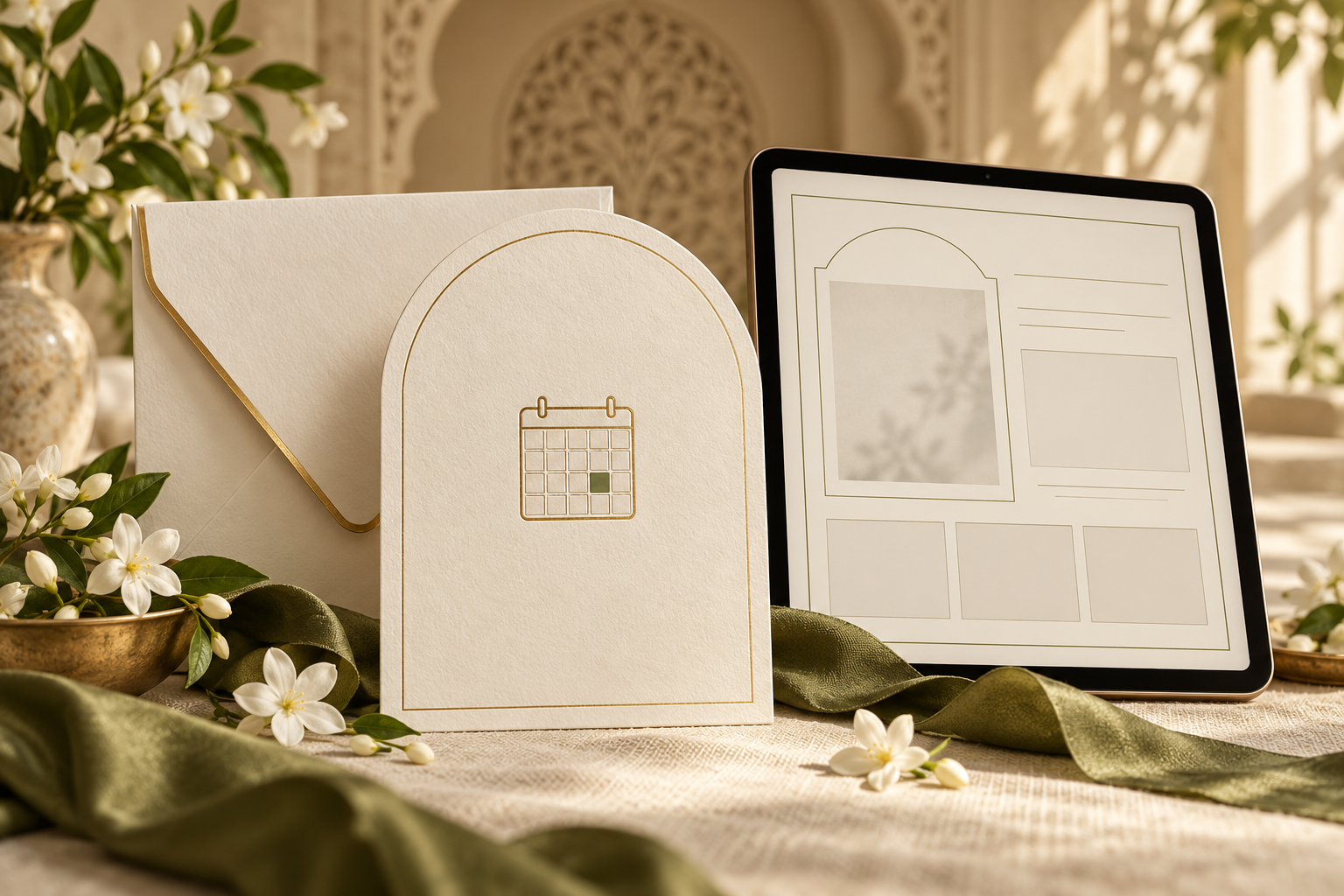
You can send a Save the Date before your wedding website is ready, provided the date, location and intended recipients are settled. Put the useful information directly in the announcement, leave out an unfinished link, and explain how the full invitation will follow.
For a Nikah and Walima, the extra check is event scope: a guest should understand which celebration they are being asked to keep free. A polished website cannot fix an announcement that leaves that unclear.
This guide helps you choose between sending without a website link, sharing a simple working page, or waiting until an important detail is confirmed. The wording below is original and can be adapted to your family’s plans.
Start with what guests need to know now
An early announcement should answer three practical questions: whose celebration is this, which date should I keep free, and where will it take place?
Before sending, confirm:
- The couple’s names as the families want them written
- The event name: Nikah, Walima or both
- The full date, including the year, for each relevant event
- A confirmed city or town, with the country where helpful
- Exactly who will receive this version
- How the formal invitation or further details will reach them
Keep any unconfirmed detail out of the announcement rather than filling the gap with a guess. Our guide to Save the Date location wording covers what to write when the city is settled but the venue details are still being prepared.
If the date or destination itself may change, pause the Save the Date. This includes a date that still depends on securing a venue booking. An unfinished photo gallery is a small gap; an uncertain wedding date is a reason to wait.
Choose one of three ways forward
1. Send the announcement without a website link
This is a straightforward option when the announcement contains the confirmed essentials and guests do not need an online page to understand the next step.
Use a short closing line such as “Your invitation and event details will follow.” Share the website in a separate message when it is ready, or include it with the formal invitation.
Paperlust’s Save the Date wording guidance similarly recommends omitting a website address that is not ready. You do not need to send guests to an empty destination simply because a space for a link appears in a design.
2. Share a small, useful website
A website can be ready to share before every optional section is finished. The important question is whether a guest can open it and find reliable information relevant to them.
A simple first version might contain the couple’s names, the confirmed event dates and cities, a short welcome, and a clear explanation of what will follow. Include confirmed travel information when it affects decisions guests need to make now.
Ask your provider which sections can be published or withheld and how later changes work. Do not assume every service lets you hide sections, keep the same link, or restrict particular events to selected guests.
3. Wait because a necessary detail is unresolved
Wait when you cannot yet tell recipients which event they are invited to, when it is happening or which destination they should plan around.
If a small group urgently needs an early heads-up, contact them directly with an accurate explanation of what is confirmed and what remains undecided. Avoid presenting tentative plans as a finished Save the Date.
Use event-specific wording for Nikah and Walima
The website’s launch date and the guest list are separate decisions. If some guests are invited only to the Walima, their announcement should name the Walima. Avoid a shared “wedding weekend” message that suggests they are invited to every event.
For help deciding who receives each version, see who gets a Save the Date for Nikah and Walima.
The examples below use placeholders. Replace every bracketed item, and use only the events and promises that apply.
Example 1: Nikah, with no website link
Please keep [full date] free for the Nikah of [name] and [name].
[City, country]
We look forward to celebrating with you. Your invitation, venue details and timings will follow.
Example 2: Walima-only announcement
With joy, our families ask you to save [full date] for the Walima celebration of [name] and [name] in [city, country].
We will share your invitation and the full event details closer to the celebration.
Example 3: Both celebrations, with separate dates
Please save these dates to celebrate with [name] and [name]:
Nikah: [full date], [city, country]
Walima: [full date], [city, country]
Your invitations and event details will follow.
Use this combined version only for recipients invited to both events. If the celebrations are in different places, keep the correct city beside each date.
Example 4: A useful website is already live
Please save [full date] for our [Nikah/Walima] in [city, country].
You can find our confirmed details at [working website link]. We will send your formal invitation and RSVP instructions separately.
Include the last sentence only if that is your actual plan. If replies are already being collected, replace it with the correct instructions.
Make a plan for travel questions
A missing website should not leave an important booking question unanswered. Think about the people travelling the furthest and the decisions they are likely to make next.
For example, a guest attending the Nikah on one day and the Walima on the next may need to know that both dates matter before requesting leave. Another guest invited only to the Walima needs a different travel window.
Share confirmed information through the same direct channel you are already using with that guest. If accommodation or transport is still being arranged, say so clearly. Do not imply that a room, transfer or booking discount is included unless it has actually been agreed.
Avoid telling guests to make non-refundable arrangements on the strength of tentative details. When someone asks a question you cannot yet answer, record it and follow up when the answer is confirmed.
Share the website clearly when it is ready
Send the finished link with enough context that it is recognisable in an existing conversation. Repeating the event name and date helps recipients connect the update to the earlier announcement.
Website-ready message
Our wedding website is ready: [working link].
It includes the confirmed details for our [Nikah/Walima] on [full date] in [city]. Please use this link for [the information actually available there].
[Accurate RSVP or formal-invitation instruction.]
Keep the message specific. Do not say the website contains hotel information, maps or an RSVP form unless those sections are present and working.
Send the link to the people who need it. If families are helping distribute invitations, give them the approved message and the correct recipient list. Ask them to use the current version rather than an earlier screenshot.
Do not assume that updating the website will automatically notify every guest. Confirm what your provider supports and make a separate sharing plan where needed.
Check the handover from announcement to website
Before sharing the link, ask someone who was not involved in building the website to open it on a phone and answer: “What am I invited to, when, and where?”
Then check:
- The destination: the exact shared link opens the intended guest-facing page
- The essentials: names, dates, event labels and cities match the Save the Date
- Access: guests can open the page without an editor account; any intended access instructions are clear
- Event visibility: the link does not accidentally reveal or imply an invitation to additional celebrations
- Unfinished content: no sample names, placeholder dates, empty buttons or draft wording remain
- Responses: any RSVP instructions match the actual reply method and deadline
- Travel details: only confirmed arrangements are presented as available
- The message: it explains what is new and whether guests need to act now
If the date or venue has changed, make that change explicit in your message. Quietly replacing information on a page may not reach someone who has already saved the old announcement.
Frequently asked questions
Does a Save the Date need a wedding website?
No. A clear announcement can give guests the couple’s names, relevant event, full date and location, followed by a note that the invitation will come later. A website is useful when it gives guests information they need; it does not have to be included before it is ready.
Should we put “website coming soon” on the design?
You can, but it often adds little practical information. “Invitation and details to follow” is usually enough. If you promise a specific website launch date, choose one you can realistically meet and make sure someone owns sending the link.
Can we add a QR code before the website is finished?
Wait until its destination is live, stable and checked. A QR code is simply another route to a page; it does not make an unfinished destination useful. If the design includes one, test the actual finished code and provide a readable link alongside it.
Must the RSVP be ready when we send the Save the Date?
It depends on your response plan. You can explain that RSVP instructions will come with the formal invitation. If you need early replies, state exactly what you are asking guests to confirm and avoid treating an informal “we hope to come” as the final response.
What if the website is ready for the Nikah but not the Walima?
Share only confirmed information and make the event scope clear. Ask your provider what the same link will show to each recipient before sending it. A general website link should not silently expand a Walima-only guest’s invitation.
Will guests automatically see later website updates?
Do not assume they will. Check whether your service sends notifications, what those notifications contain and who receives them. For changes that affect attendance or travel, send a clear direct update through your established invitation channel.
Keep the first announcement simple and reliable
Your Save the Date can do its job while the website is still being prepared. Confirm the event, date, location and recipients, then give guests an honest next step.
Explore Noor’s Save the Date invitations when you are ready to plan the announcement. If you also want a website, discuss your confirmed content and sharing plan through Noor’s wedding website service, including what will be ready at launch and how future updates will be handled.
Explore Noor’s four wedding website samples.
Open each live sample, compare the experience and ask us which design fits your celebration.
Two more useful reads.
 01
01Your Muslim wedding website checklist
The names, timings, family details, venue information and photographs to gather before making your Muslim wedding website.
Read the guide → 02
02Thoughtful wording for Nikah and Walima invitations
Practical Muslim wedding invitation wording for family introductions, Nikah details, Walima invitations and a warm guest welcome.
Read the guide →