
How Long Should a Nikah Invitation Video Be?
Plan a readable Nikah invitation video with a practical duration guide, an illustrative 45-second storyboard and a phone-preview checklist.
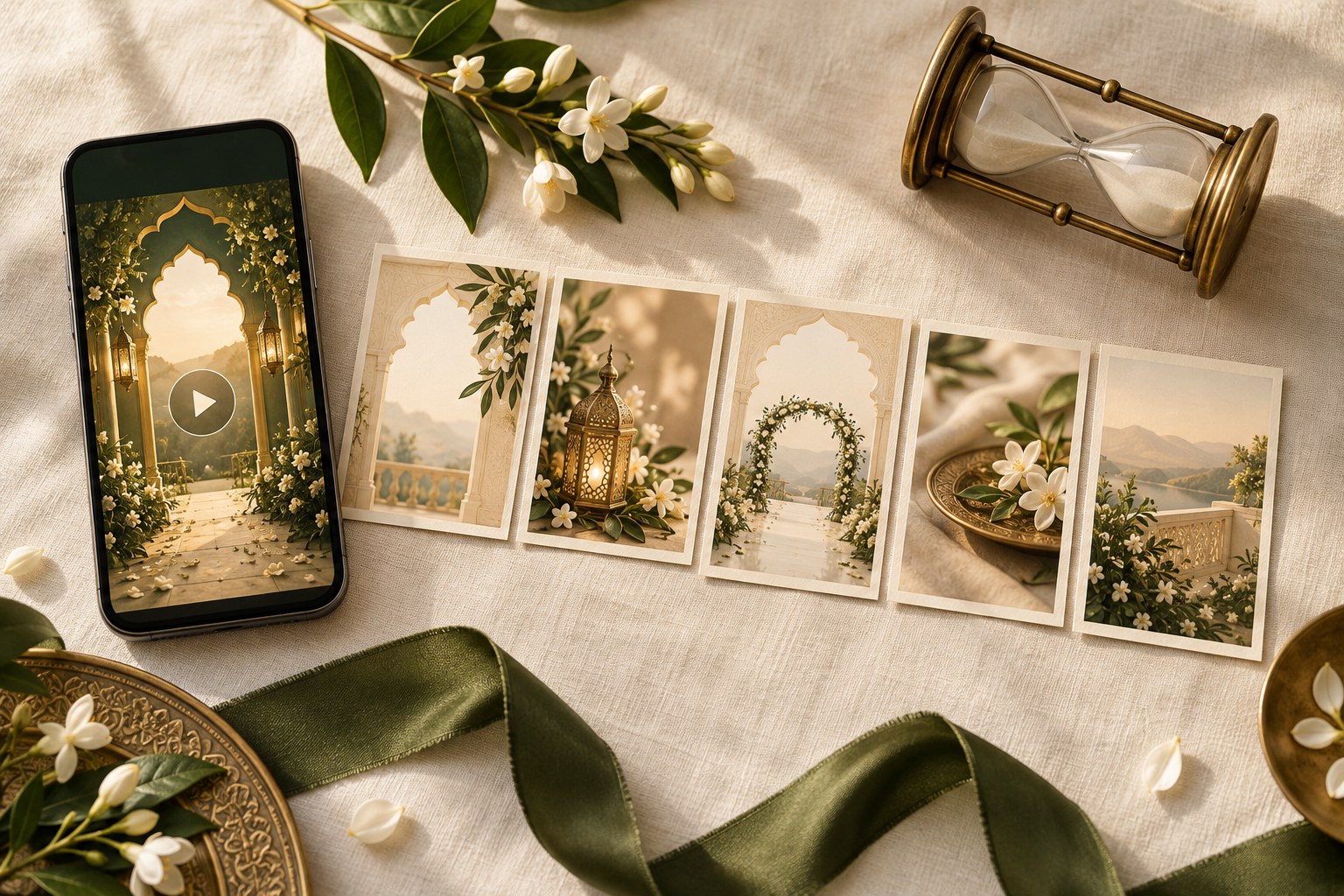
For a straightforward Nikah invitation video, 30–60 seconds is a useful starting brief, then the actual wording should decide the final length. Give guests enough time to read the names, event, date, time, venue and response instructions. A shorter film that rushes the address is less useful than a slightly longer one that makes the invitation clear.
That range is an editing starting point, not a rule or a promised Noor package duration. Filmora's Muslim wedding invitation guide suggests 30–60 seconds, while Motion Stamp's duration guide recommends about a minute. These are vendors' recommendations, not a universal finding about how long every guest will watch.
The most useful question is: does each scene stay readable long enough for someone seeing these details for the first time? Here is a practical way to answer it before approving your film.
Decide what the video needs to do
A brief announcement with two names, a date and a city has a different job from a complete invitation with an address and an RSVP deadline. Decide which you are making before choosing the runtime.
Write the essential information in a plain list:
- The names you want displayed, with approved spellings
- The celebration being announced: Nikah, Walima or the relevant event name
- The full date and year
- The arrival time or start time, clearly labelled
- The venue name and useful location details
- How to respond, and by when, if a response is requested
Then add the family wording, photographs, opening and closing lines you would like. This lets you see which parts carry practical information and which parts can be simplified if the edit becomes crowded.
For a film covering more than one celebration, make a separate information list for each event. Do not assume that one date or one venue label will be understood to apply to both.
Count readable time, not just scene length
A scene may last eight seconds while its lettering takes three seconds to finish appearing. That leaves five seconds in which the complete message is visible. A long address, unfamiliar venue name or several family names may need more time than a simple opening line.
When reviewing a preview, watch the text settle into place. Read it from that point until it starts to fade or move away. If you cannot finish comfortably, ask for a longer hold, fewer words or a clearer layout.
Use a specific revision note. For example:
“Please keep the full venue address still for longer after the animation finishes. The final line disappears before I finish reading it.”
That tells the designer what is difficult and where. “Make the whole video slower” may unnecessarily lengthen scenes that already work.
Treat a photograph and a detailed text card differently. A portrait scene might feel complete quickly; an event card needs enough time for guests to understand several related facts. They do not all need equal durations.
A sample 45-second Nikah invitation storyboard
This is an illustrative editing plan for one event, not a required format, tested reading-speed standard or included Noor runtime. Use it to discuss the structure, then change the timings around your real wording.
- 0–4 seconds: opening. A simple visual welcome or short family-approved opening line
- 4–12 seconds: names and invitation. The couple's names and a concise invitation to the Nikah
- 12–22 seconds: event details. The full date, year and clearly labelled arrival or ceremony time
- 22–34 seconds: venue. The venue name and the location information guests need
- 34–45 seconds: closing and next step. A short welcome, any response deadline, and directions to the accompanying message or wedding website for links
The total is 45 seconds, but the scene boundaries are only a draft. If long names need another few seconds, allow for them. If the venue card is too dense, simplify its wording or split it rather than shrinking the type.
For an RSVP link or map, place the usable link in the accompanying message or website. Text showing a web address inside an MP4 does not itself become a tappable link. Guests should not have to transcribe a long address from a moving frame.
A helpful closing line could be: “We look forward to celebrating with you. Please reply by [date]. Full directions are in the message accompanying this invitation.” Replace the bracketed text and make sure the promised directions are actually included.
Make room for a Walima or a second language
Adding a Walima introduces another event name, date, time and potentially another venue. Give that information its own clearly labelled scene. Reusing one crowded card can make it difficult to tell which time belongs to which celebration.
If the two events have different guest lists, discuss separate versions before production. Confirm the scope and any extra cost with the designer. The useful runtime is the one that explains the events that particular recipient is invited to attend.
Two languages also need deliberate space. Ask a fluent reader of each language to review the actual moving preview. Avoid judging an Urdu or Arabic scene by how quickly an English speaker can scan it. Separate language scenes may work better than placing everything on one card, depending on the chosen design.
Our bilingual invitation planning guide covers agreeing the wording and checking both versions. For pacing, the key is simple: adding information should trigger a new readability check.
Shorten repetition before shortening the details
If a preview feels drawn out, look for places where the same idea appears repeatedly. You might shorten an extended opening animation, remove a second reveal of the same names or choose fewer near-identical photo scenes.
Keep the parts guests need to act on: which event, when, where and how to respond. A date appearing beautifully for a moment still needs to be readable.
Music can support the pace, but a favourite song's full length does not need to determine the film's length. Discuss a suitable edit with your designer. If you choose spoken narration, make sure the information is also available visually. W3C's captions guidance explains how captions provide speech and relevant audio information to people who cannot hear it.
For a long travel plan, place the detailed schedule somewhere guests can consult at their own pace. Noor's wedding websites bring event information, map links and guest RSVP collection together. If you use a website alongside the video, check that both show the same confirmed details.
Test the actual preview with a fresh reader
The people approving an invitation often know every detail by heart. That familiarity can hide rushed scenes. Ask someone who has not helped write it to watch the preview on a phone at normal playback speed.
Use this short review:
- First viewing: can they identify the event, date, time and venue without you explaining them?
- Reading check: which line disappeared before they finished reading?
- Sound off: are the essential details still understandable?
- Small screen: are long names, punctuation and the final address line easy to see?
- Final frame: is the next step clear, including where to find any link?
- Sent copy: after sharing a test copy through your intended channel, does the text still look clear?
This is a practical review, not a memory exam. Guests can pause or replay, but they should not need to repeatedly hunt for the date because the text disappears too quickly.
Keep revision notes tied to the scene and issue: “The Nikah time is clear; the Walima venue needs a longer hold.” Review the changed preview again, because moving one scene boundary can affect the next transition.
Questions to ask before ordering
Share your approved wording and ask the designer:
- What is the expected duration of this design with our details?
- Can scene holds be adjusted if the text feels rushed?
- How will two events or two languages affect the sequence?
- Are separate guest-list versions included or quoted separately?
- What will we receive for review, and what changes are included?
Noor's current Nikah video invitation service lists portrait 9:16 composition, supported photographs, a personalised preview before export, one included revision round and MP4 delivery. It does not publish a fixed runtime for every order. Confirm the duration and any additional versions for your chosen design before ordering.
You can explore Noor's video designs with your information list beside you. The right question is whether the design gives your actual details enough space.
Frequently asked questions
Is 30 seconds enough for a Nikah invitation video?
It can be enough for concise wording and a straightforward event. Check the finished preview rather than approving it on duration alone. Long family names, a detailed address or a second language may need more space.
Is a one-minute wedding invitation too long?
A minute is not automatically too long. It may suit an invitation with several information scenes. Review whether each scene has a purpose and whether the key details remain comfortable to read.
Should a Nikah and Walima video be longer?
It may need more time because there are two sets of event details. Give each celebration a clear label and test the preview. If guest lists differ, first decide whether separate versions would communicate the invitations more clearly.
Can we include lots of photographs without extending the video?
Adding more photographs within the same runtime gives each less time on screen or leaves less time for event details. Choose a considered shortlist. Our photo-selection guide for Nikah video invitations can help you prepare it.
Do all guests need to watch with sound?
They should be able to understand the essential invitation details without relying on sound. Put the date, time, venue and response instructions in readable text. Where speech conveys information, consider accurate captions as well.
How do we know the final length is right?
Approve the film when a fresh reader can follow the information comfortably, the event details are complete and the viewing experience works on a phone. Treat the runtime as the result of those checks.
Give every important detail time to land
Start with a short, clear brief, allow the wording to set the pace and use the preview to find rushed moments. A thoughtful invitation gives guests time to enjoy the design and understand where they are being invited.
Discuss your Nikah video invitation with Noor and share your event list, preferred design and any language or guest-version requirements.
Explore Noor’s four wedding website samples.
Open each live sample, compare the experience and ask us which design fits your celebration.
Two more useful reads.
 01
01Your Muslim wedding website checklist
The names, timings, family details, venue information and photographs to gather before making your Muslim wedding website.
Read the guide → 02
02Thoughtful wording for Nikah and Walima invitations
Practical Muslim wedding invitation wording for family introductions, Nikah details, Walima invitations and a warm guest welcome.
Read the guide →