
Change the Date Wording for Nikah and Walima Save the Dates
Tell guests when a Nikah or Walima date changes with six original messages, a replacement announcement plan and a clear correction checklist.
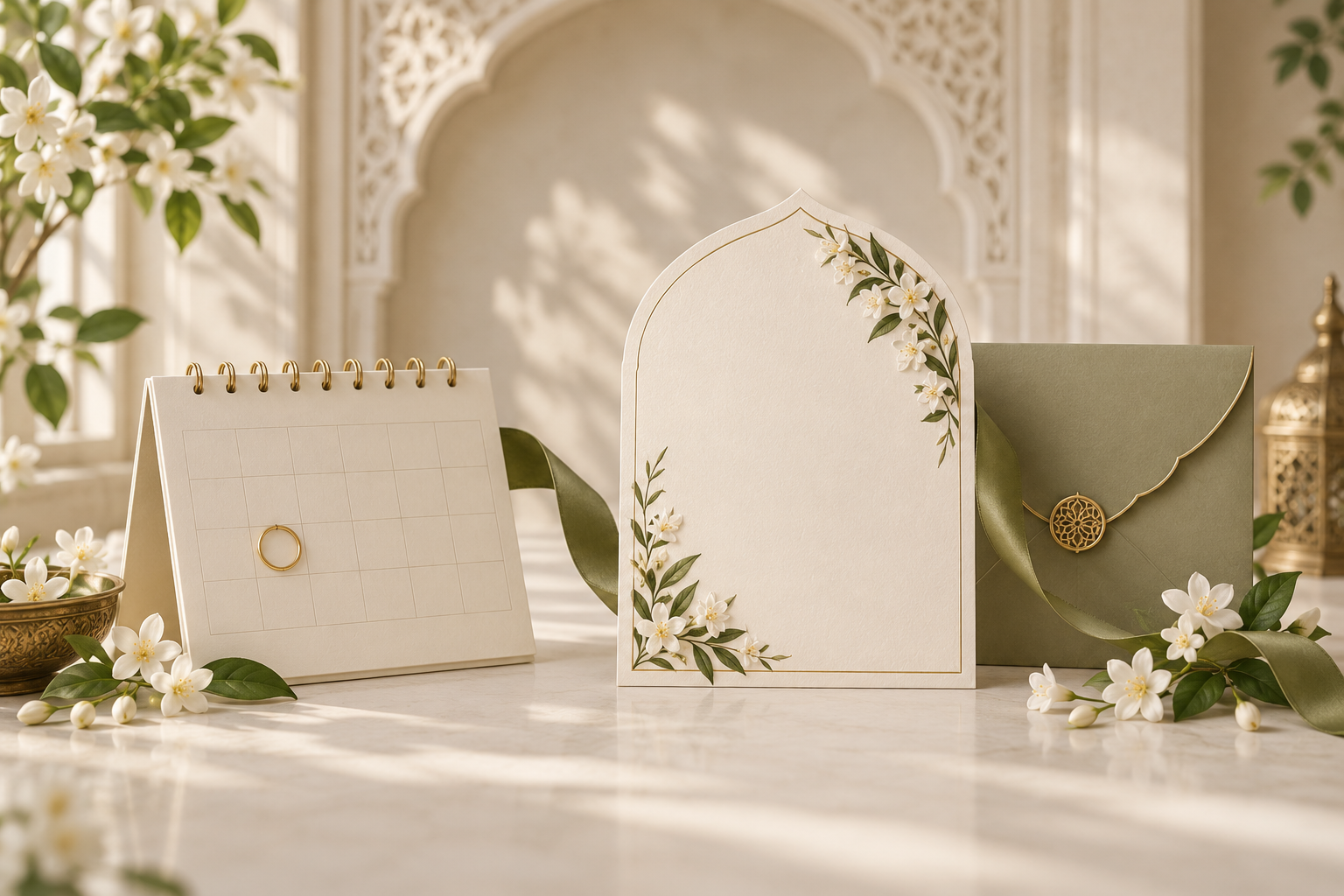
Tell guests clearly which date has changed
If your wedding date changes after you have sent a Save the Date, send a direct correction to everyone who received that announcement. Name the celebration, identify the original date and give the confirmed replacement date. If the new date is not settled, tell guests that the original date no longer applies and that a fresh announcement will follow.
For a Nikah and Walima on different days, be specific about which event has moved. A message saying “our wedding has been postponed” can leave guests unsure whether both celebrations are affected.
You do not need a finished new design before sharing an important update. A clear personal message can go first, followed by the revised card or video once the details are approved. This guide focuses on a change of calendar date after an announcement has already been shared. If only the venue or arrival time has changed, use the separate venue and time correction guide.
Decide whether you are announcing a new date or withdrawing the old one
Before writing, ask the people organising the celebration to agree one factual update. Is the new date confirmed, or are you still arranging it? Is the city unchanged? Are the original guest lists still correct? Do not use a hopeful date as though it is a booking guests can rely on.
There are three common situations:
- New date confirmed: state the old date, new date and the event affected. Include the city if confirmed, and say when further invitation details will follow.
- New date not confirmed: state that the original celebration will not take place on the announced date. Explain that guests should wait for the replacement date before making new arrangements for that event.
- Only one event changed: name both the changed event and any relevant event that remains unchanged, but only for guests invited to those celebrations.
The announcement does not need to explain private family circumstances. A short phrase such as “our plans have changed” can be enough. Avoid promising a new date, a refund or help with bookings unless the family has actually agreed to provide it.
Six change-the-date messages for Nikah and Walima
These are original templates, not real client examples. Replace every bracketed detail before sharing. Use the greeting and tone that feel natural to your family, and remove any sentence that does not match the confirmed arrangements.
1. A new date is confirmed
Assalamu alaikum [guest name]. Please note a change to [couple’s names]’ Nikah. The celebration previously announced for [old date] will now take place on [new date] in [city]. Please save the new date and disregard the earlier announcement. The full invitation will follow. Thank you for your understanding; we look forward to celebrating with you.
This works when you can confidently ask guests to replace the date in their calendars. Write the month in words and include the year, rather than using an ambiguous numerical format.
2. The wedding is postponed and the new date is not yet confirmed
We wanted to let you know that [couple’s names]’ [Nikah/Walima], previously planned for [old date], has been postponed. Please disregard the date on the earlier Save the Date. We will share a new announcement once the arrangements are confirmed. Thank you for your patience and understanding.
If guests may be making travel plans, add: “Please wait for our confirmed update before making new arrangements for this celebration.” Do not add a provisional month unless you deliberately want guests to understand it as tentative and have explained that clearly.
3. Only the Walima date has changed
A small but important update to our celebrations: the Walima for [couple’s names] will now be on [new Walima date], instead of [old Walima date]. The Nikah on [Nikah date] remains unchanged. Please use the revised Walima date when planning. Updated invitation details will follow. Thank you for your understanding.
Send this combined version only to guests invited to both events. For Walima-only guests, remove the Nikah sentence. The reminder should clarify their invitation, not introduce another celebration they were not invited to attend.
4. Both celebrations have moved
Please update your calendar for [couple’s names]’ celebrations:
Nikah: [new Nikah date], replacing [old Nikah date].
Walima: [new Walima date], replacing [old Walima date].
These dates replace our earlier Save the Date. We will share the full invitation with the confirmed event details. Thank you for being part of our celebration.
Use separate lines rather than a single date range if the two events happen on different days. A range can be useful for travel planning, but it should not hide which celebration takes place when.
5. A short message to accompany the revised image or video
Updated Save the Date for [couple’s names]: our [event] is now on [new date], replacing [old date]. Please keep this version and disregard the earlier one. The attached announcement has the correct date. Thank you for your understanding.
The message matters even when the revised artwork is beautiful. Someone may see the text without opening the attachment, or remember the old date without noticing that the image changed. Put the correction in both places.
6. A personal follow-up for a guest who may have booked travel
Hello [guest name], we wanted to make sure you had seen our date update. [Event] has moved from [old date] to [new date / a date still to be confirmed]. We realise you may already have made arrangements. Please let us know that you have received this message, and contact [family contact] if you need clarification about the revised celebration details.
This acknowledges the inconvenience without making promises about tickets, hotel changes or costs. Guests should check any booking options directly with their provider. If the family is offering specific assistance, communicate only the help that has actually been agreed.
Design the replacement so it cannot be mistaken for the original
A revised Save the Date should make the update visible before the decorative details. A clear heading such as “New date” or “Updated Save the Date” helps guests recognise why they are seeing another announcement.
Give the new date the strongest emphasis. If you include the old date on the artwork, label it unmistakably as the previous date. Two equally prominent dates can look like a two-day celebration instead of a correction.
For a still card, a practical reading order is:
- Updated Save the Date.
- Couple’s names and the event.
- New date, written in full.
- Confirmed city, if appropriate.
- “Replaces the date previously announced for [old date].”
- A short note that the full invitation will follow.
For a video, show the update and new date clearly, with enough time to read them. Do not reveal the correction only at the end of a long animation. The accompanying text should also carry the change, so guests do not need sound or a complete viewing to understand it.
The Save the Date proofreading checklist is useful before releasing the replacement. Check any weekday against the new calendar date, and make sure an old year, caption or closing frame has not survived the revision.
Send the correction to the people who received the original
Begin with the original recipient list. The immediate goal is to correct information already shared, not to create a new guest list in the middle of a change.
Nominate one person to keep a private record of who has received the update. If parents or relatives shared the original announcement separately, ask them to pass on the same approved correction to their recipients. A general family-group post may not reach someone who received the original privately.
For each household, a simple record can note:
- Which event or events they were invited to.
- Who sent the original announcement.
- When the correction was sent.
- Whether the recipient acknowledged the new information.
- Whether a personal call is still needed.
An acknowledgement means that the guest has received the correction. It does not confirm attendance on the new date. If an RSVP was already collected, decide how guests should reconfirm once the new plans are settled. Keep that request separate and clear, rather than assuming an earlier yes still applies. The guide to whether a Save the Date needs an RSVP explains the difference between early planning information and a final attendance reply.
Prioritise direct contact with guests whose travel or leave arrangements may be affected. If the old date is close, a phone call or individual message is more dependable than waiting for everyone to notice a social post. Keep reasons private unless the family wants them shared.
Update the places where the old date can still appear
The correction message is only one part of the job. Check the invitation website, saved image, video, accompanying caption and any calendar information you previously sent. Ask the people managing each version to confirm what has been changed.
A downloaded image or video already on a guest’s phone will not be replaced simply because you upload a new file elsewhere. Send the new version directly and explain that the previous one should no longer be used. Do not rely on deleting your own copy to remove copies that have been forwarded.
If you have a live website, verify its current displayed date after the update and test the actual link guests were given. Do not assume that every provider supports the same editing process, or that changing one event automatically changes all related screens.
When asking Noor about a replacement Save the Date, give the team the original file or reference, the old date, the confirmed new information and a list of every format that needs checking. Ask about the revision scope, turnaround and any cost before assuming the change is included. This guide does not promise free revisions or an automatic update of previously shared files.
A final correction check before sharing
Read the message and artwork together, preferably on a phone. Then ask someone who has not worked on the revision to answer three questions: what changed, what is the correct date now, and what should the guest do next?
Before sending, confirm that:
- The original date is clearly withdrawn or replaced.
- The new date is confirmed, or the absence of a confirmed date is explicit.
- Nikah and Walima are labelled separately where needed.
- Any unchanged event really is unchanged.
- The city, year and weekday are consistent everywhere.
- The image, video, website and accompanying message agree.
- Private reasons and unapproved promises have been left out.
- One family contact can answer questions.
- Everyone who received the original has a route to receive the correction.
If someone cannot tell whether the old date still applies, simplify the wording before you share it.
Frequently asked questions
Should we wait for the new date before telling guests?
If the original date is definitely no longer valid, let guests know rather than leaving them to plan around it. Say that the replacement date is still being confirmed. Send a second, clear announcement when you can provide the new details.
Do we need to explain why the wedding date changed?
You can keep the reason brief or private. Guests mainly need to know which event is affected, whether a replacement date is confirmed and where to find accurate information. Do not include personal details merely because a template has space for them.
Should the old date appear on the new Save the Date?
It can help identify the correction, provided it is clearly labelled as the previous date and does not compete visually with the new one. The accompanying message should explain the replacement even if you choose not to show the old date prominently on the artwork.
Is a WhatsApp message enough?
A direct message can be the fastest first step, especially while new artwork is being prepared. Make sure it reaches the original recipients and follow up personally where needed. A revised image or video can follow, but it should support the correction rather than delay it.
Does an earlier RSVP still count after the date changes?
Do not assume so. A guest who could attend on the original date may not be free on the replacement date. Explain how and when you would like them to reconfirm, using the response method agreed for the new arrangements.
What if only the venue changed, not the date?
Say explicitly that the date remains the same and identify the new venue. Use a venue-update message rather than “change the date,” which would imply a different calendar day. Keep the correction focused on the information guests actually need to replace.
Explore Noor’s four wedding website samples.
Open each live sample, compare the experience and ask us which design fits your celebration.
Two more useful reads.
 01
01Your Muslim wedding website checklist
The names, timings, family details, venue information and photographs to gather before making your Muslim wedding website.
Read the guide → 02
02Thoughtful wording for Nikah and Walima invitations
Practical Muslim wedding invitation wording for family introductions, Nikah details, Walima invitations and a warm guest welcome.
Read the guide →